 Adsfast
Tutorials
Make yourself at home.
Practical walkthroughs for connecting your accounts, asking better questions, and building your daily workflow.
7 guidesReal steps. Illustrative demo screenshots.


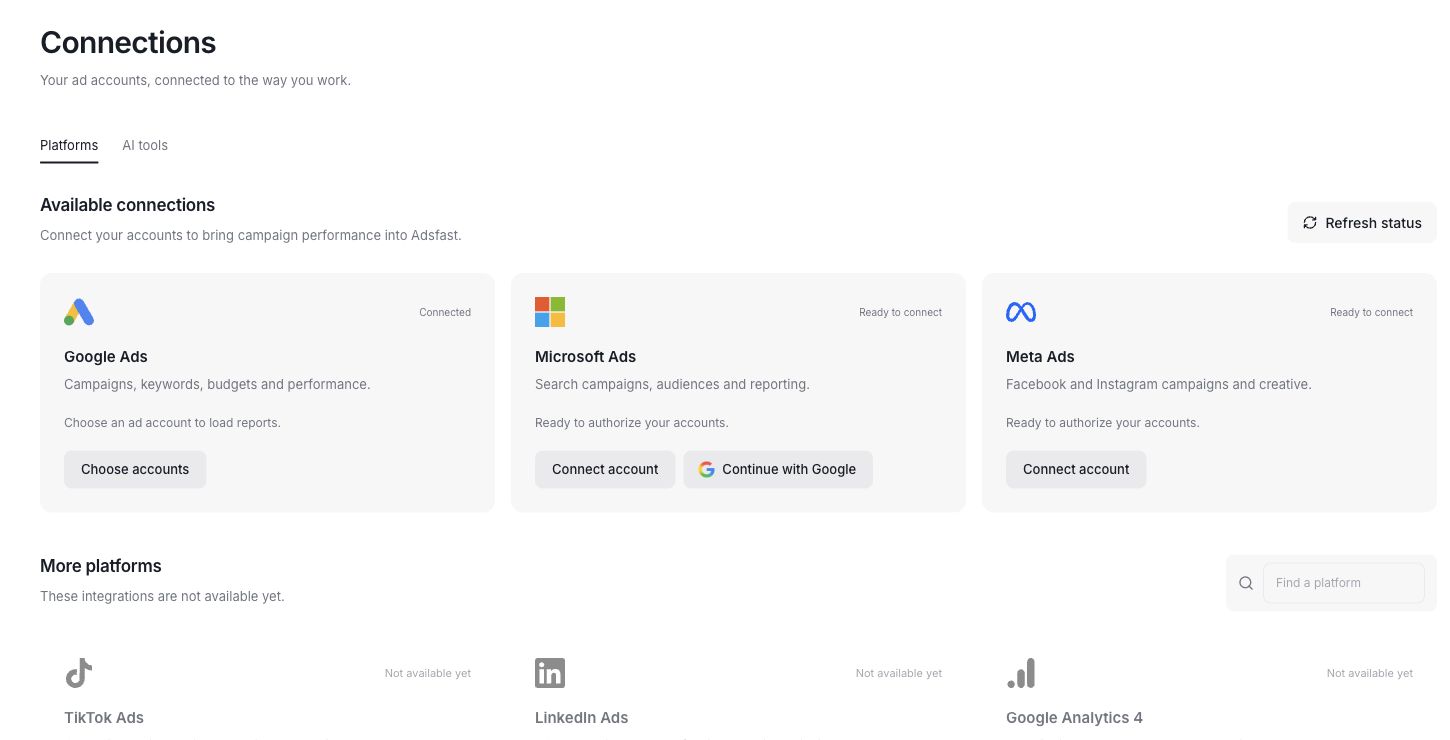
Connect your accounts. Choose your data.
Authorize a platform, select accounts yourself, and bring a report into your dashboard.

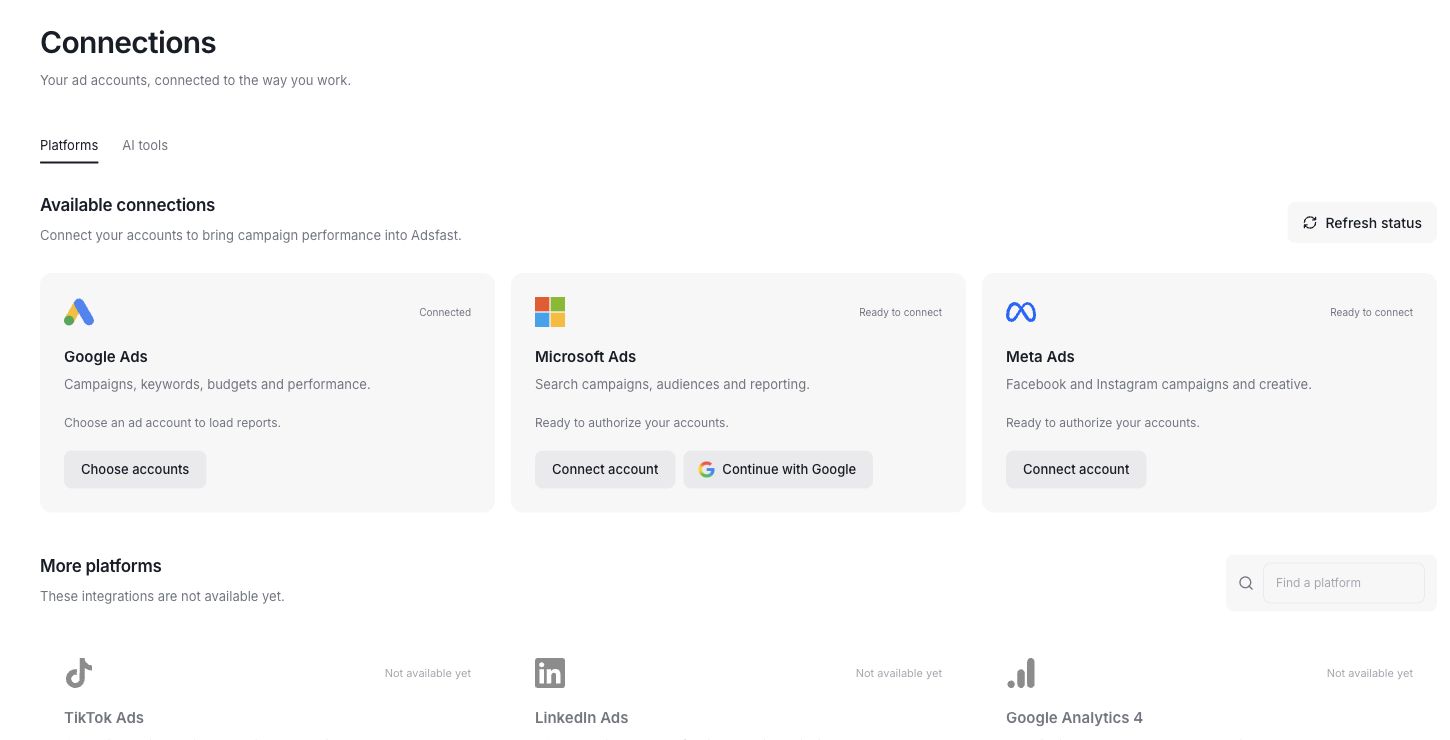
Use the right sign-in for Microsoft Ads.
Resolve an identity mismatch when your Microsoft Advertising account uses Google.

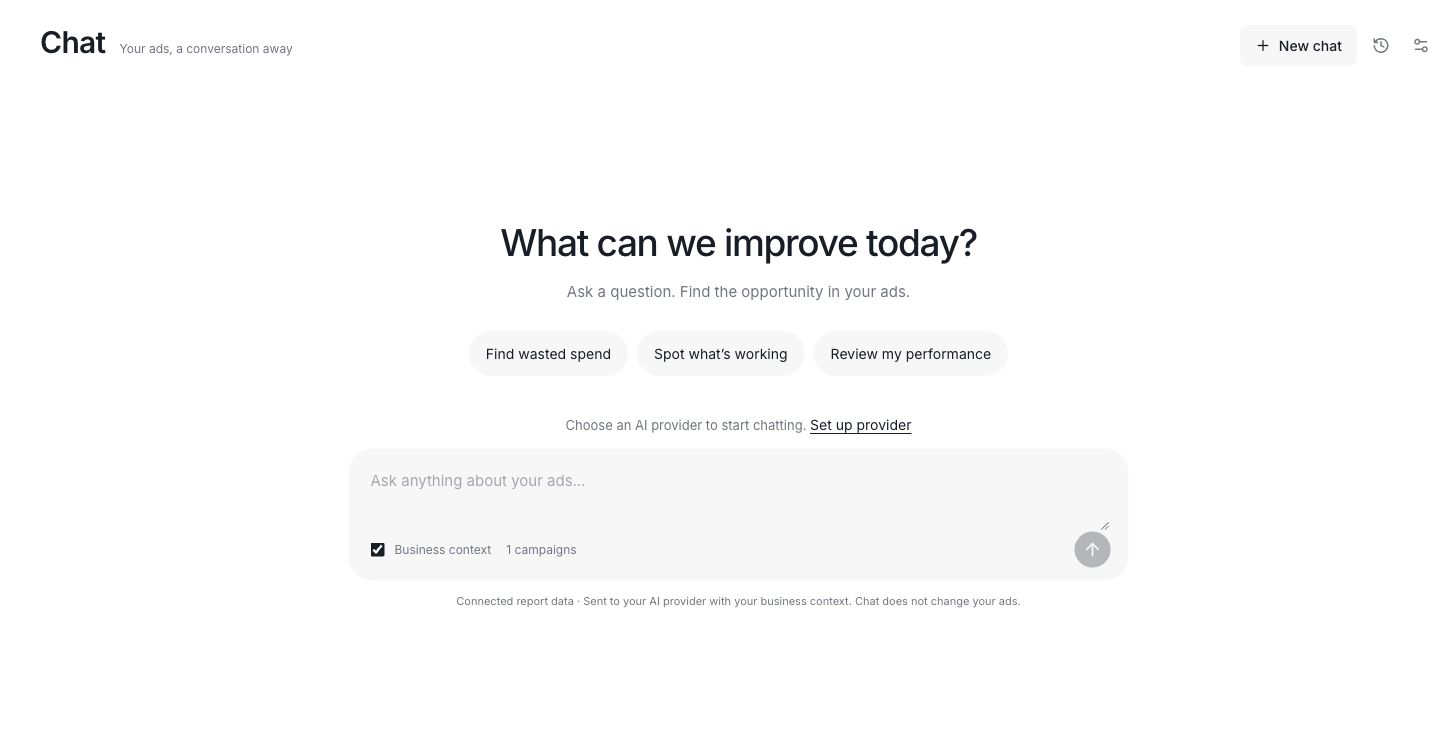
Your first conversation about your ads.
Choose an AI provider, add your own API key, and ask a focused question about your campaign data.
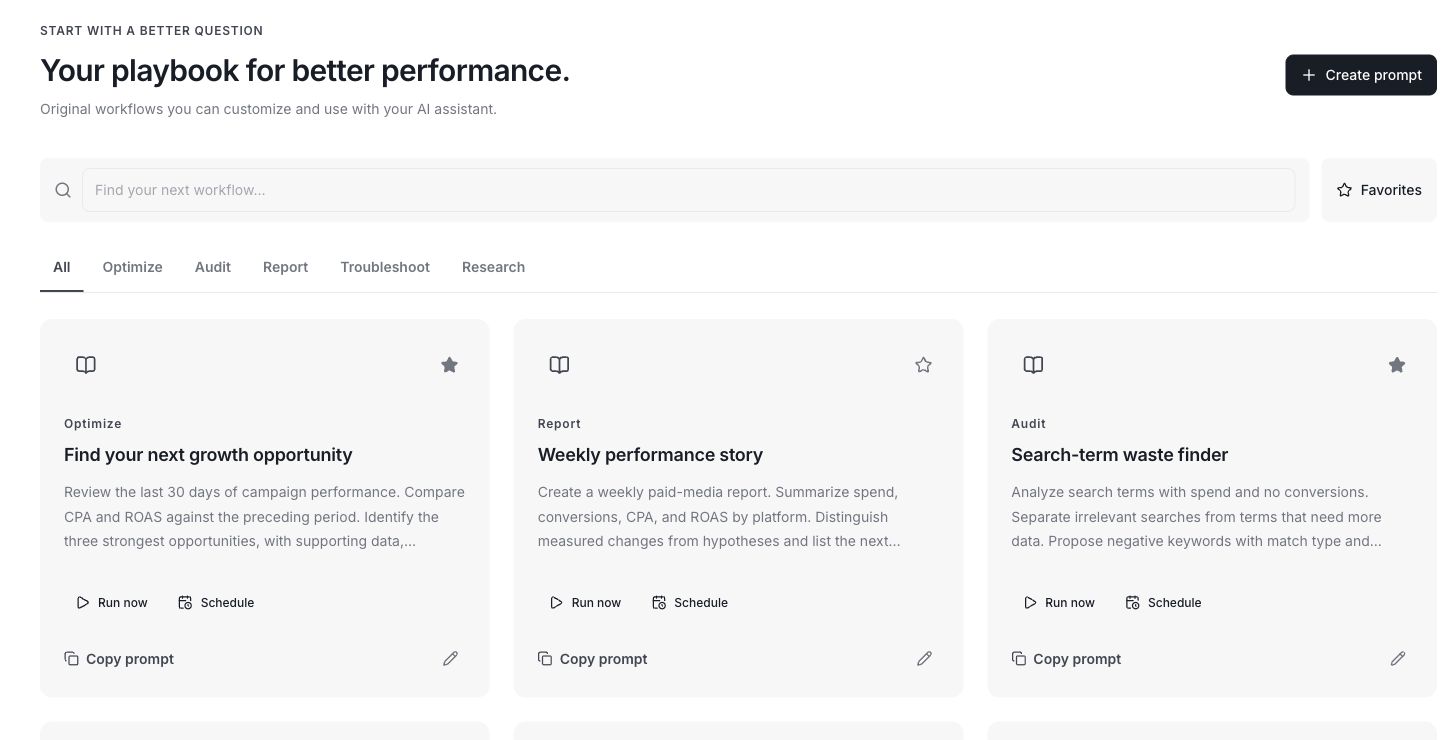
Turn a good question into a reusable prompt.
Customize your library, run a prompt once, or send it to the scheduler.
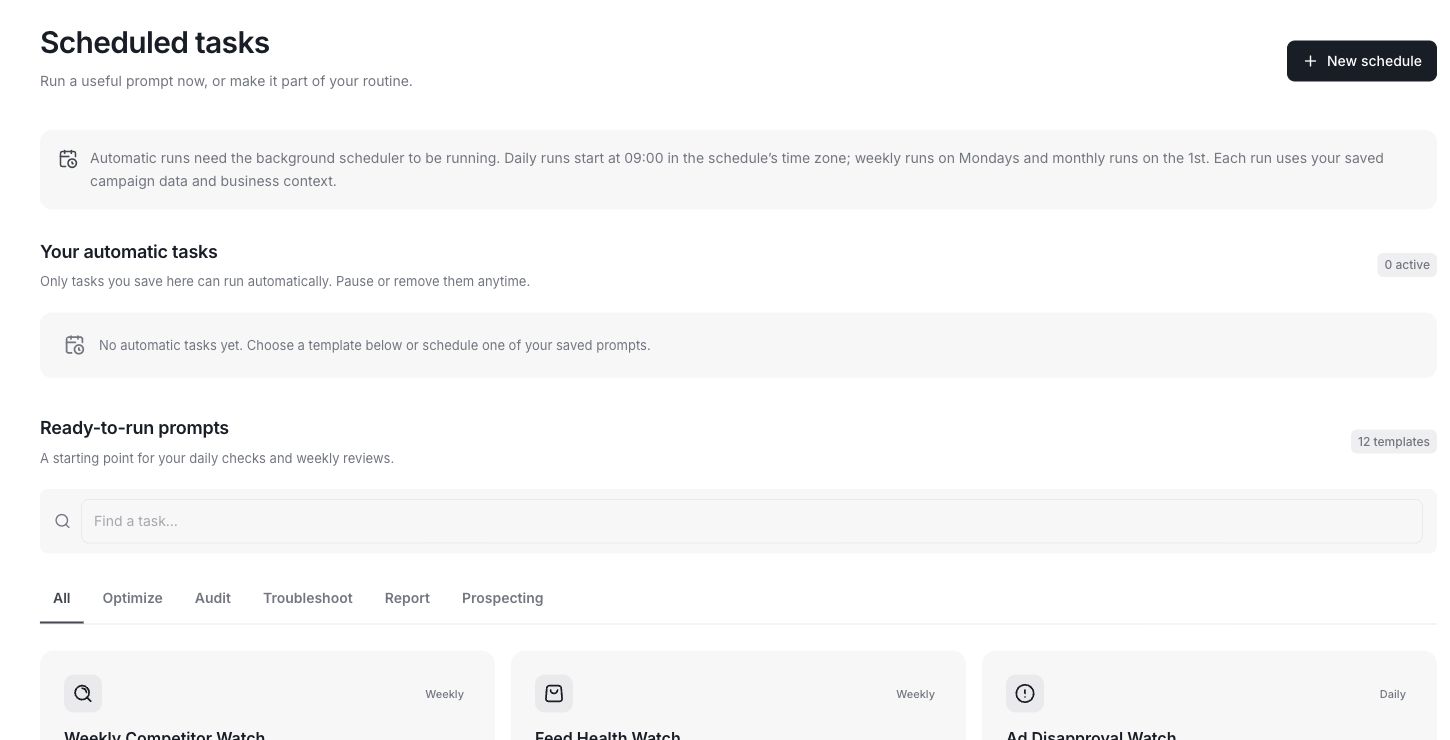
Build a review rhythm you control.
Choose a scheduled-task template, set its cadence, and pause or remove automatic runs anytime.
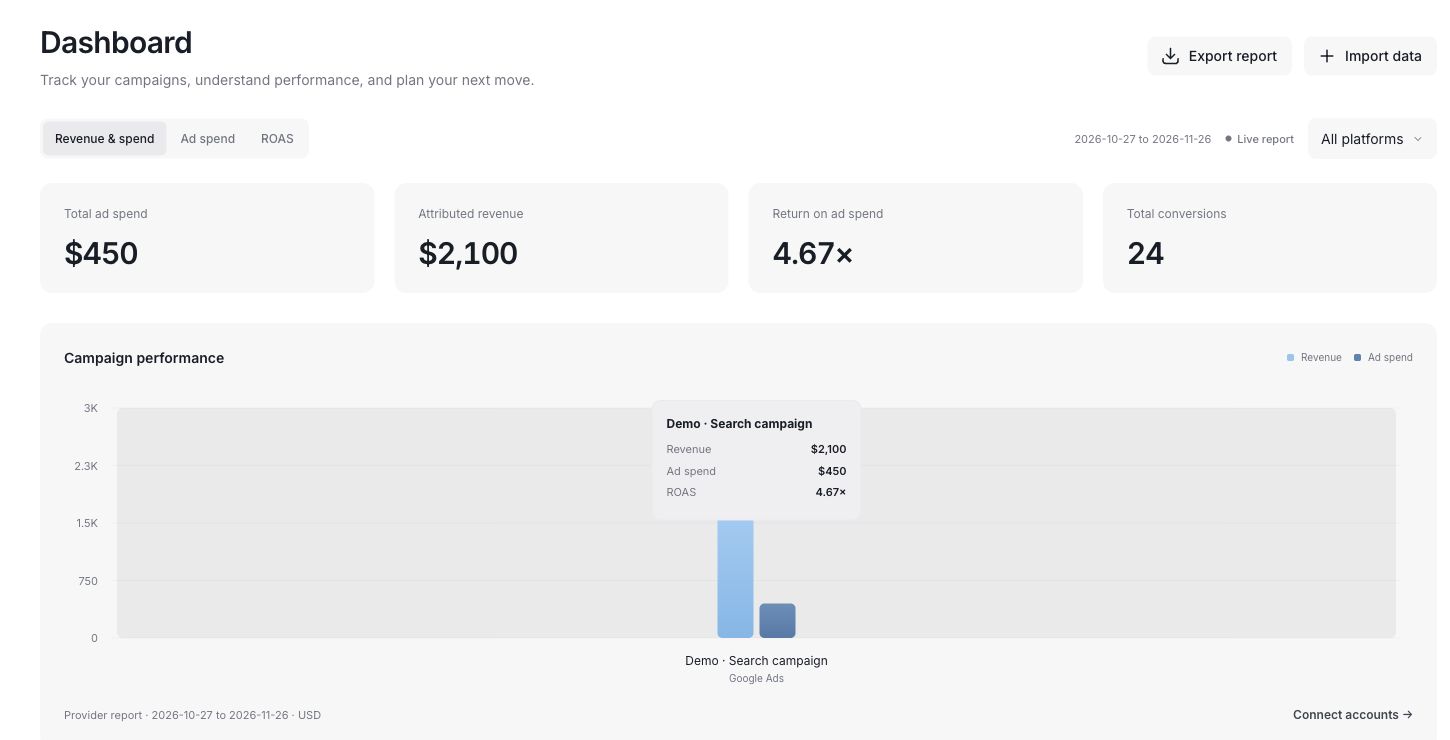
Bring a campaign report into Adsfast.
Import a CSV, check the reporting currency, and explore your campaign totals.
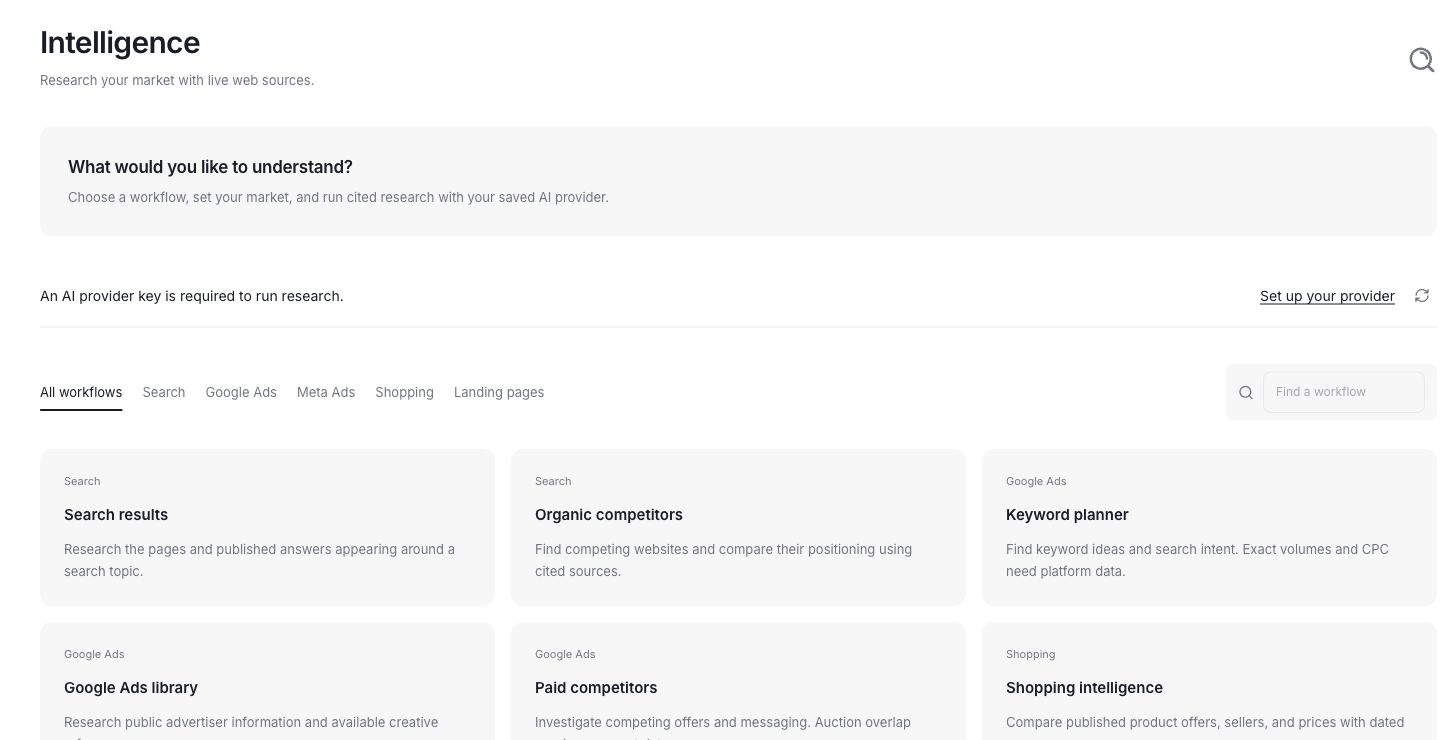
Research a question. Keep the evidence.
Use Intelligence for a focused web research brief with sources you can inspect.