Build a review rhythm you control.
Choose a scheduled-task template, set its cadence, and pause or remove automatic runs anytime.
 Adsfast guidesUpdated November 26, 2026
Scheduled reviews refresh your selected ad accounts, then execute a saved prompt with fresh report data. The template library gives you starting points; it does not automatically enable tasks in your account.
Configure an AI provider and connect and select your ad accounts. Automatic execution requires the background scheduler to be running; its status is shown on Schedules.
1Choose a template or your own prompt
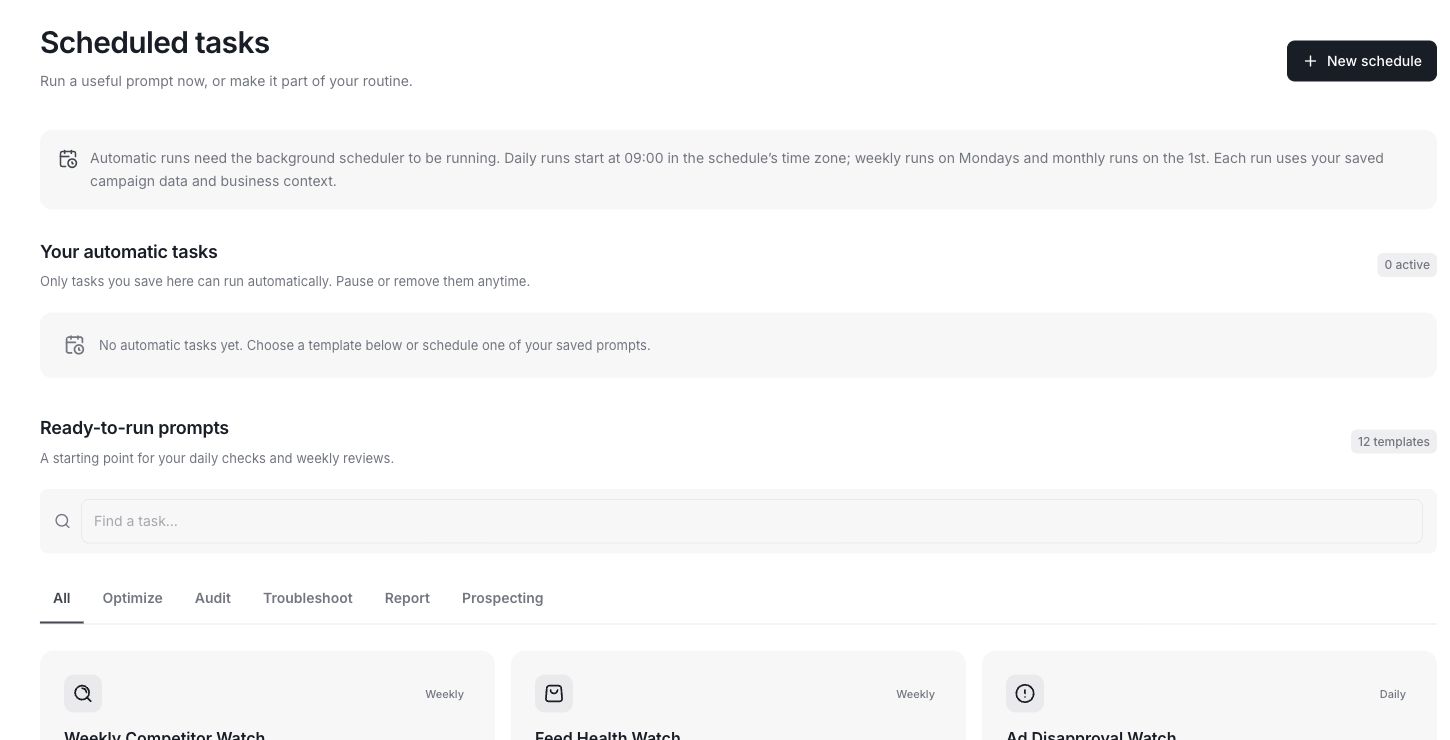
Open Schedules and browse the template library. A morning brief, anomaly review, or scaling check can be a useful starting point. Read any data requirement before choosing a template.
Specialized templates fetch supported Google shopping-product, policy and search-term reports, Meta lead totals and ad-level metrics, or cited competitor research. Template quick runs refresh the last seven complete UTC days and the previous seven days; ordinary saved prompts use the report already in your workspace. Availability depends on your selected accounts and permissions. Individual lead submissions and complete competitor ad-library histories are not fetched; missing evidence is reported explicitly.
2Review the task and save
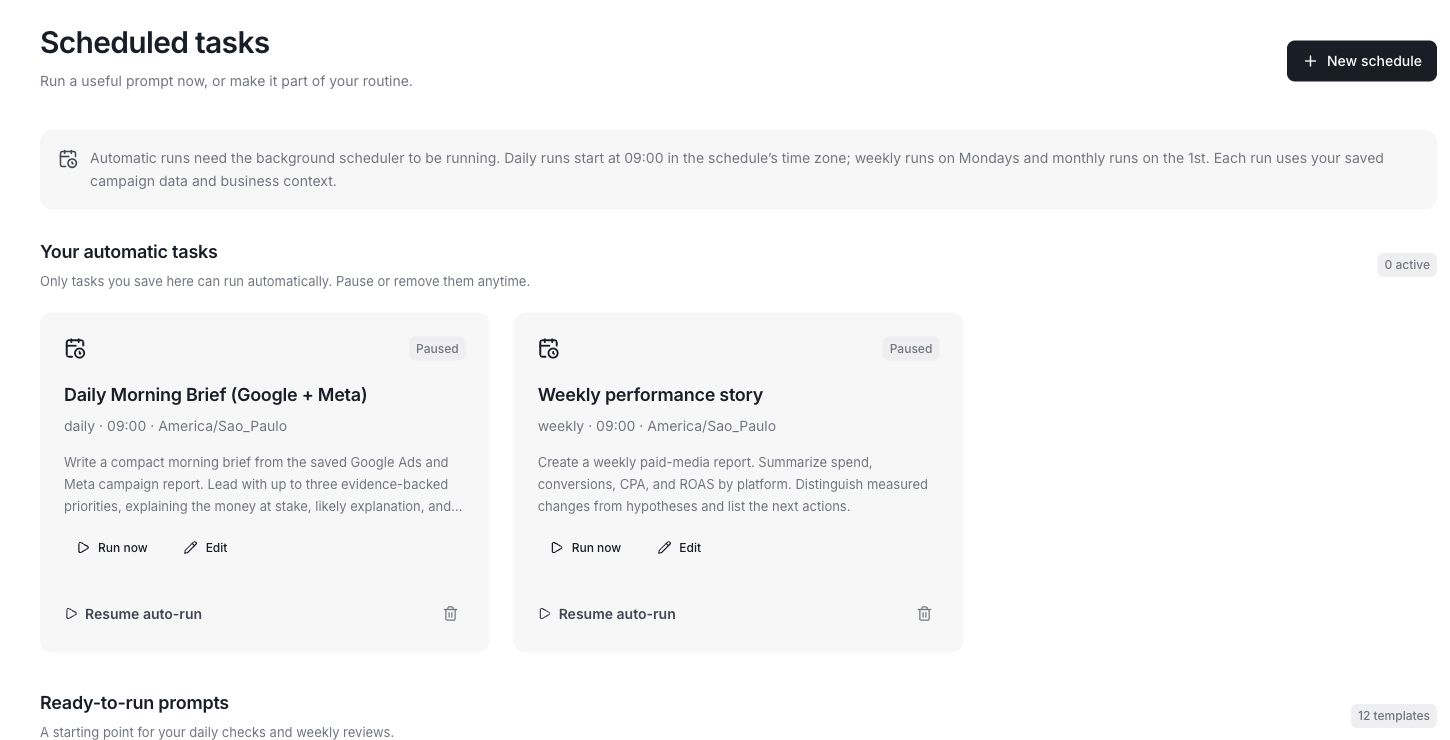
Open the scheduling editor, give the task a useful title, and review its prompt. Choose daily, weekly, or monthly frequency and the correct time zone.
Runs are due at 09:00 in that time zone: daily, on Mondays for weekly tasks, or on the first day for monthly tasks. Each run refreshes selected accounts first. Daily tasks use yesterday, weekly tasks use the last seven complete days, and monthly tasks use the previous calendar month, plus a comparable prior period. A failed refresh stops the analysis rather than silently using old data.
3Review results and stop runs when needed
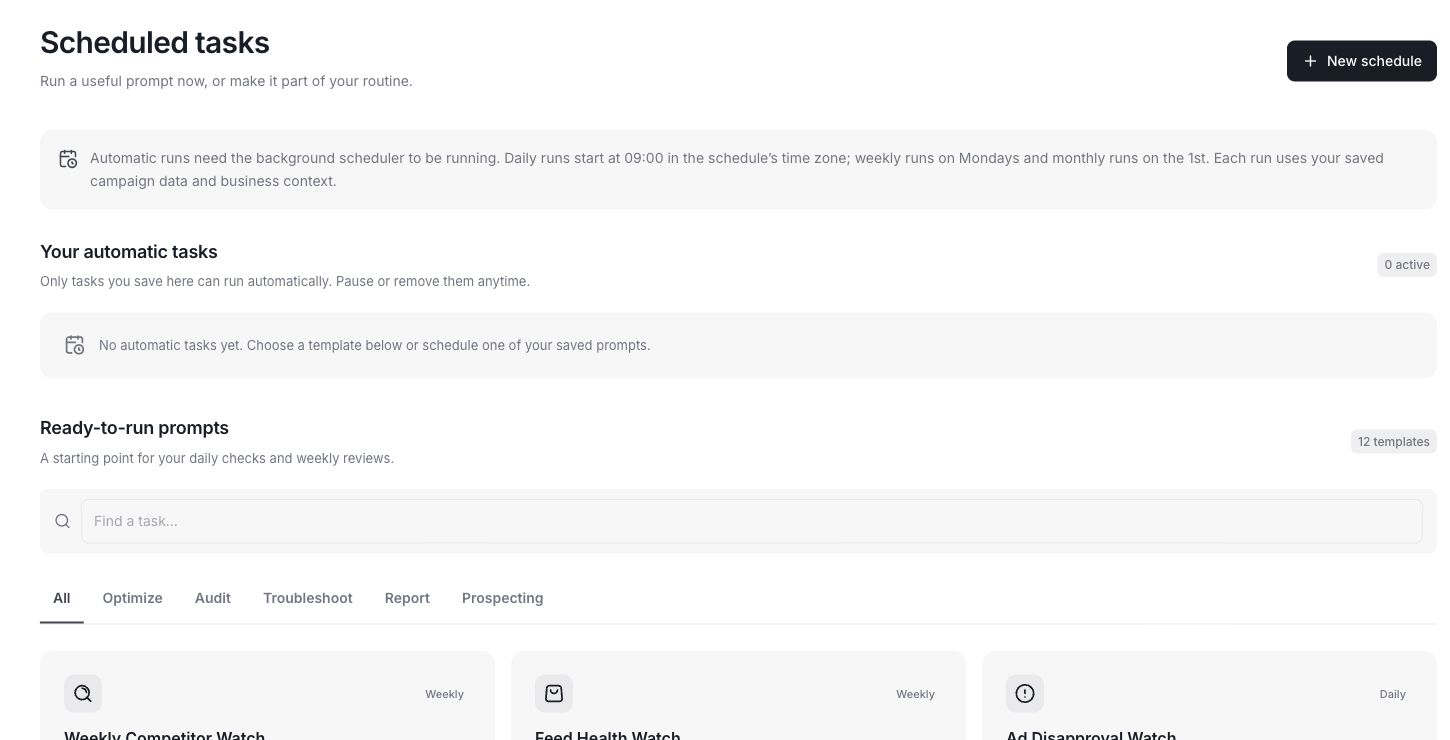
Use the run history to inspect successful results or a failure message. A missing or invalid provider key cannot produce a real analysis. Fix the configuration before retrying.
Pause a task to stop future automatic runs while keeping its configuration, or remove it when you no longer need it. A one-time quick run is separate from automatic scheduling. No scheduled analysis changes campaigns or budgets.
Ready for your own workspace?
A schedule should be intentional, based on relevant data, and easy to stop. Keep only the reviews that help you make decisions.
Try it in AdsfastKeep exploring



Connect your accounts. Choose your data.
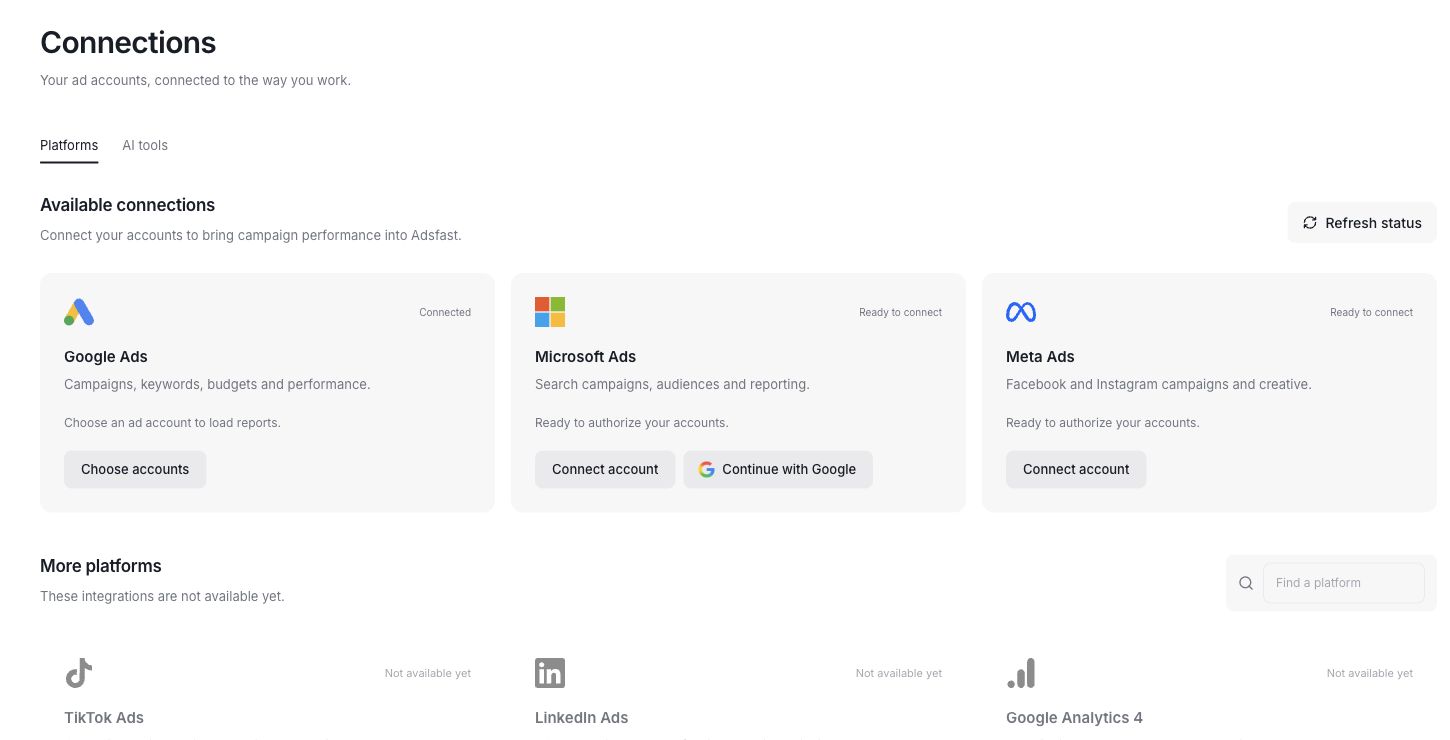
Authorize a platform, select accounts yourself, and bring a report into your dashboard.

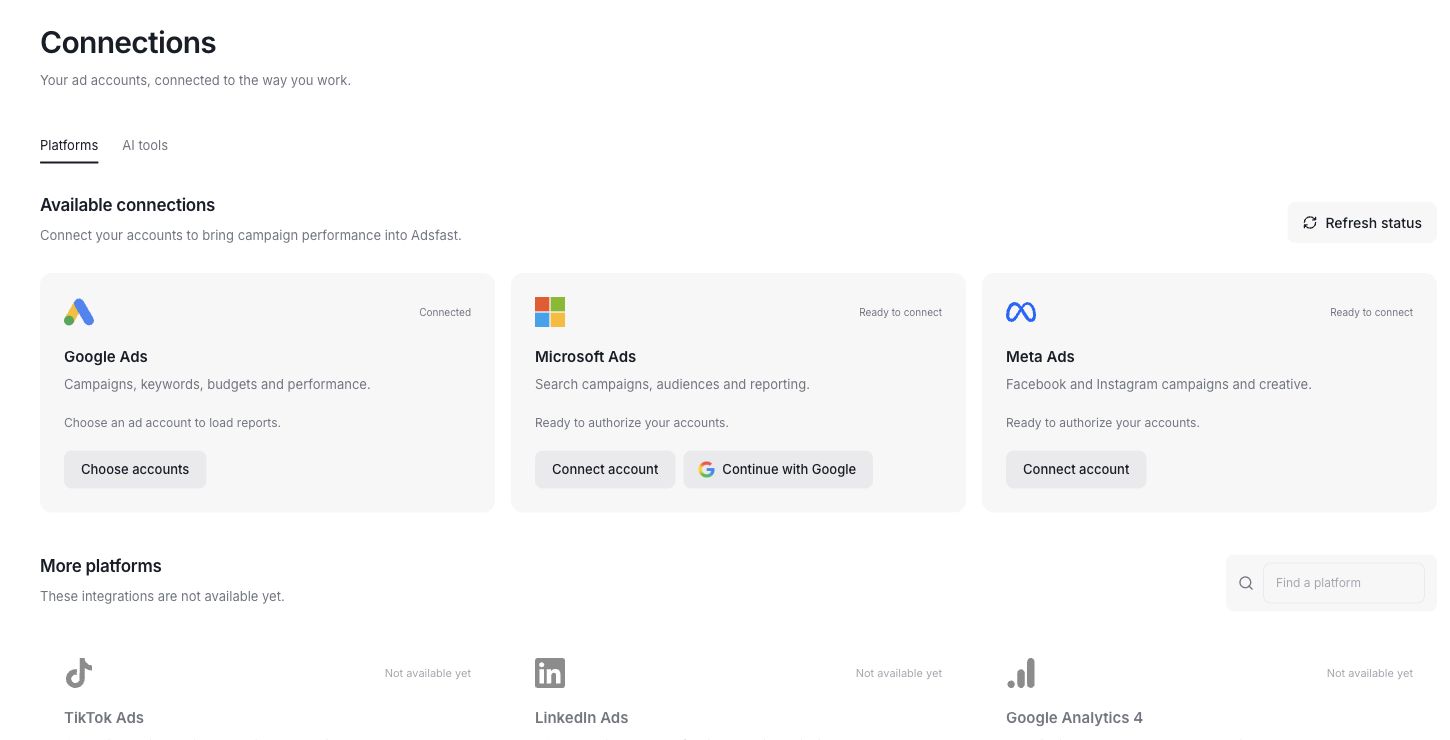
Use the right sign-in for Microsoft Ads.
Resolve an identity mismatch when your Microsoft Advertising account uses Google.


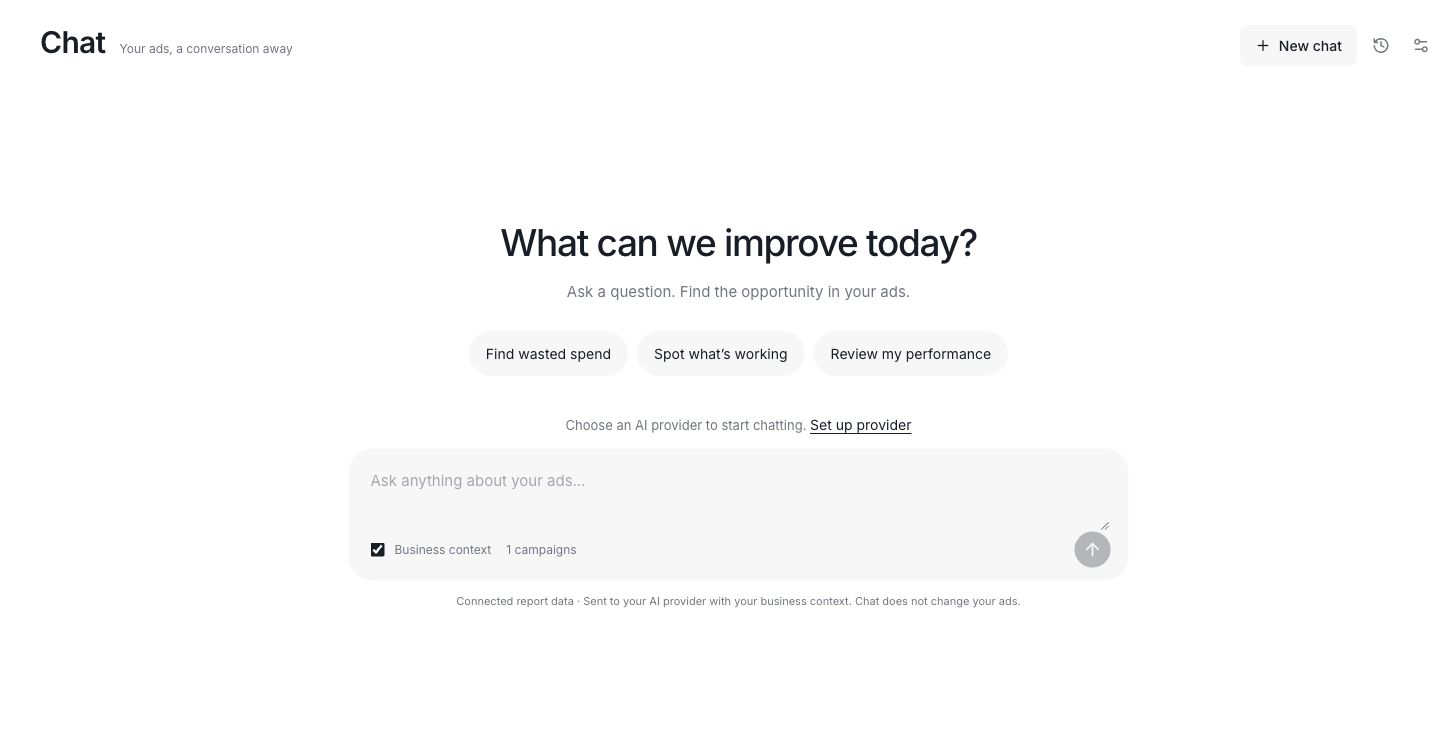
Your first conversation about your ads.
Choose an AI provider, add your own API key, and ask a focused question about your campaign data.