Your first conversation about your ads.
Choose an AI provider, add your own API key, and ask a focused question about your campaign data.
 Adsfast guidesUpdated November 26, 2026
Chat turns the campaign data saved in your workspace into a conversation. Choose your provider and model, then ask about the campaign data.
You need an API key from a supported AI provider. Provider usage is billed separately by that provider. A consumer chat subscription is not a substitute for an API key.
1Open provider setup
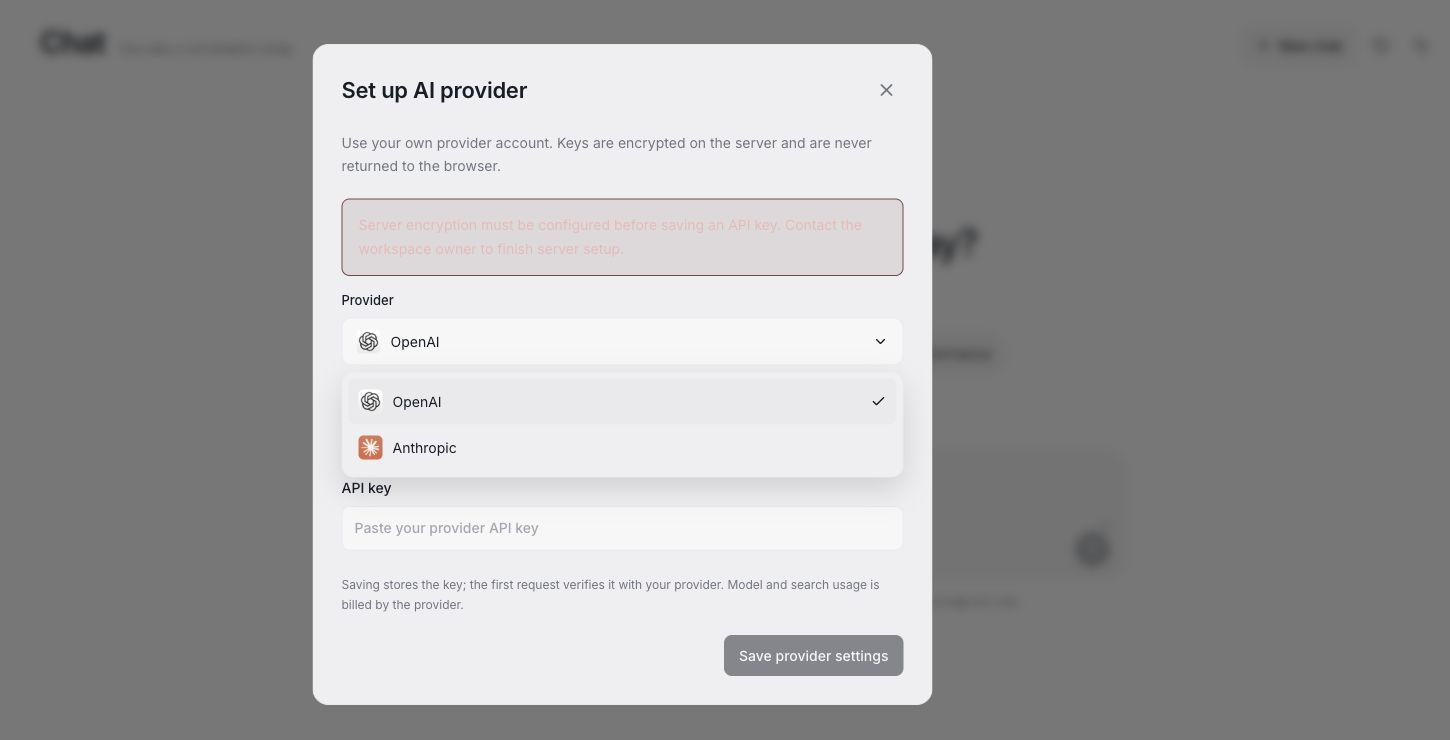
Open Chat and select Set up provider, or use the settings control beside New chat. Choose OpenAI or Anthropic, then choose an available model from the styled dropdown.
Paste your API key into the password field and save. Keys are encrypted on the server and are never shown back in the browser. Saving a key does not validate a paid request; the first run checks it with the provider.
2Give the conversation useful data
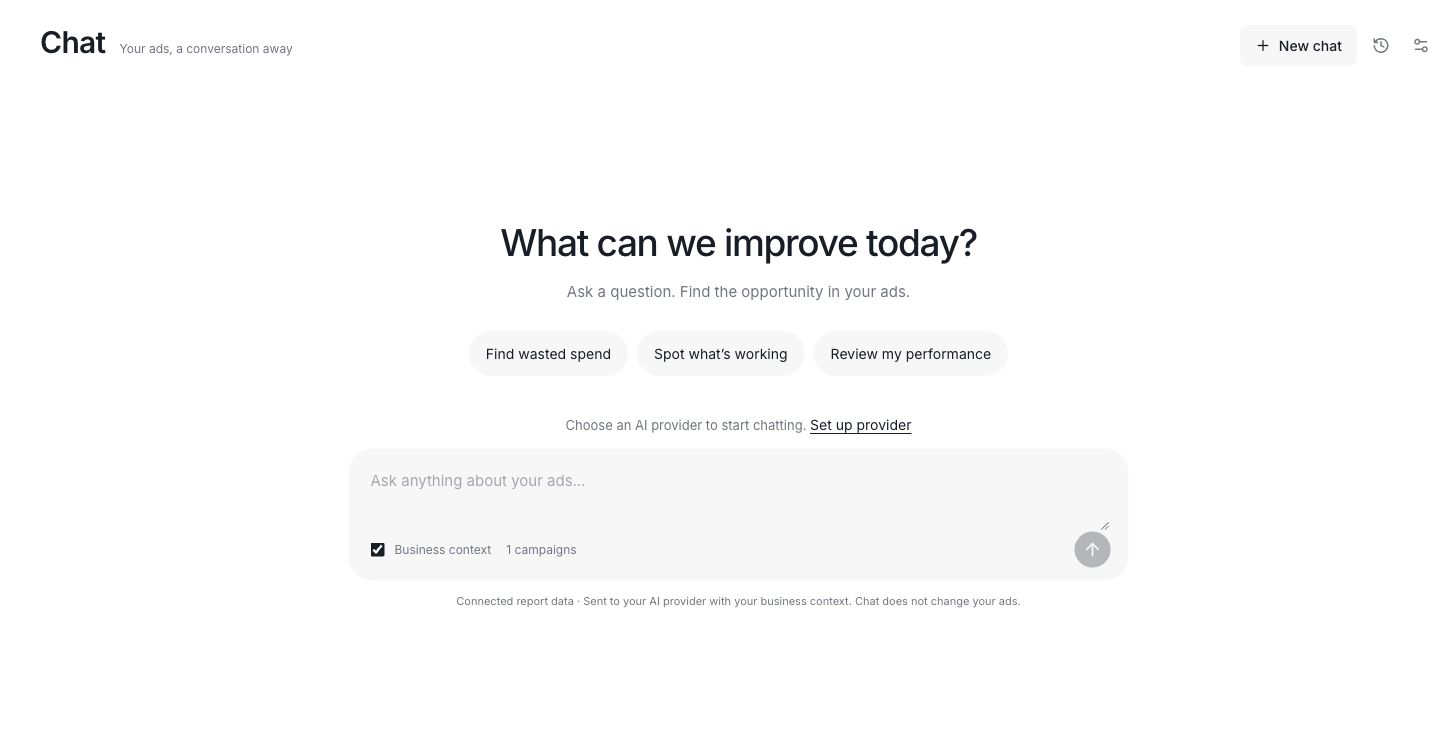
Sync and import a connected report, or import a CSV from Overview. The composer shows how many campaign rows are available. The data is a saved report, not a continuous live stream.
Include any goals or constraints that matter directly in your question.
3Ask, review, and follow up
Try a specific question such as: Which campaigns need attention, and what evidence supports your recommendation? Send with the arrow button or Enter; Shift+Enter adds a new line.
Review the evidence and any missing-data notes. You can copy or export a completed response and revisit saved responses. Follow-up questions include a bounded excerpt of the recent conversation. Chat recommends actions; it does not apply changes to your ads.
Ready for your own workspace?
A useful question and a recent report make a stronger starting point than an open-ended request to optimize everything.
Try it in AdsfastKeep exploring


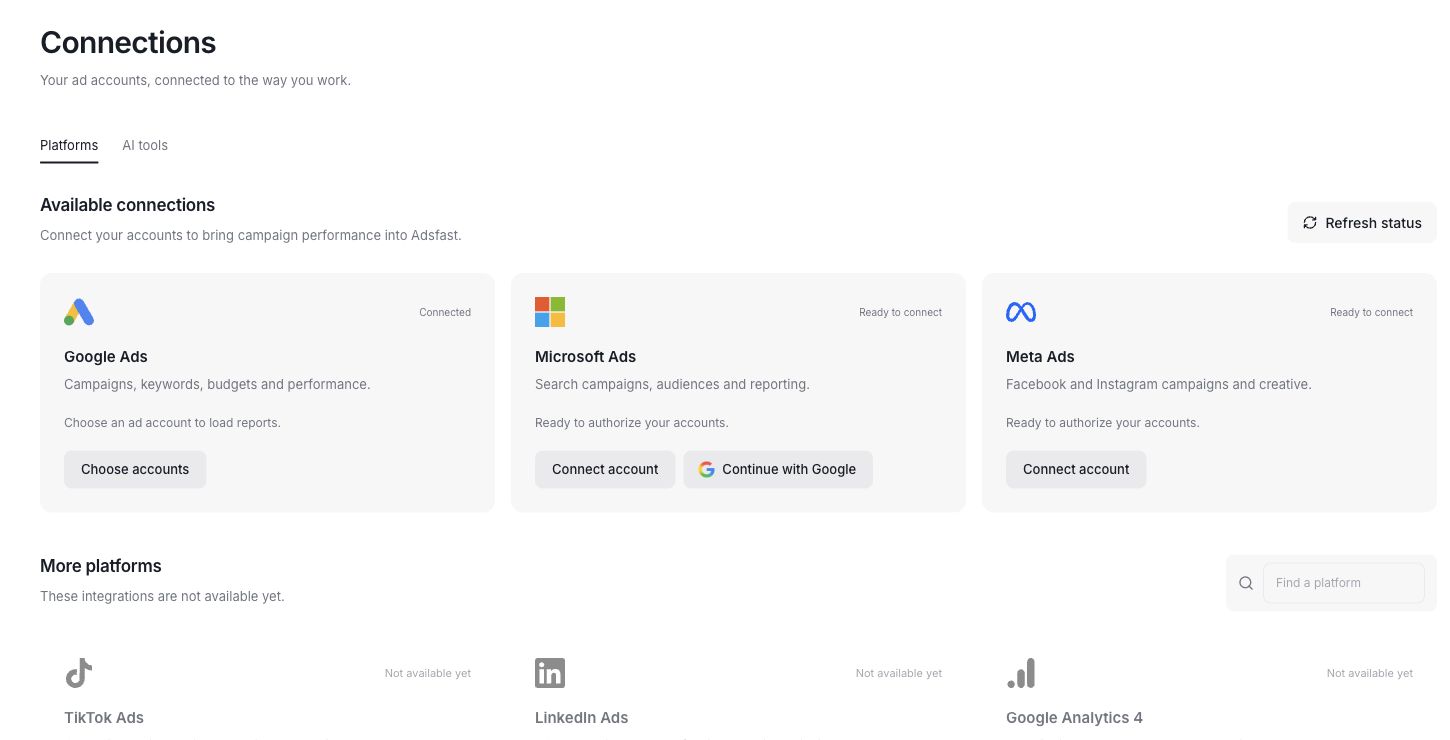
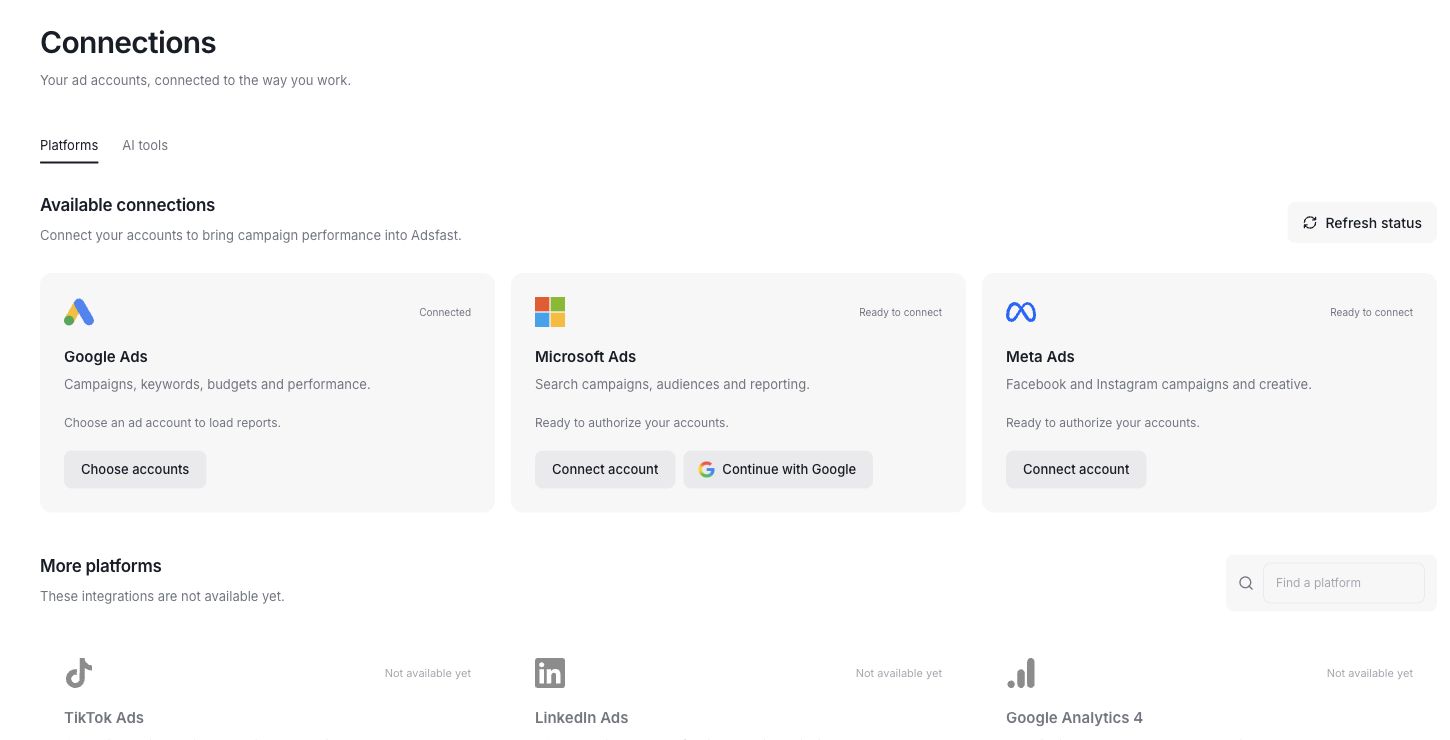
Connect your accounts. Choose your data.
Authorize a platform, select accounts yourself, and bring a report into your dashboard.

Use the right sign-in for Microsoft Ads.
Resolve an identity mismatch when your Microsoft Advertising account uses Google.

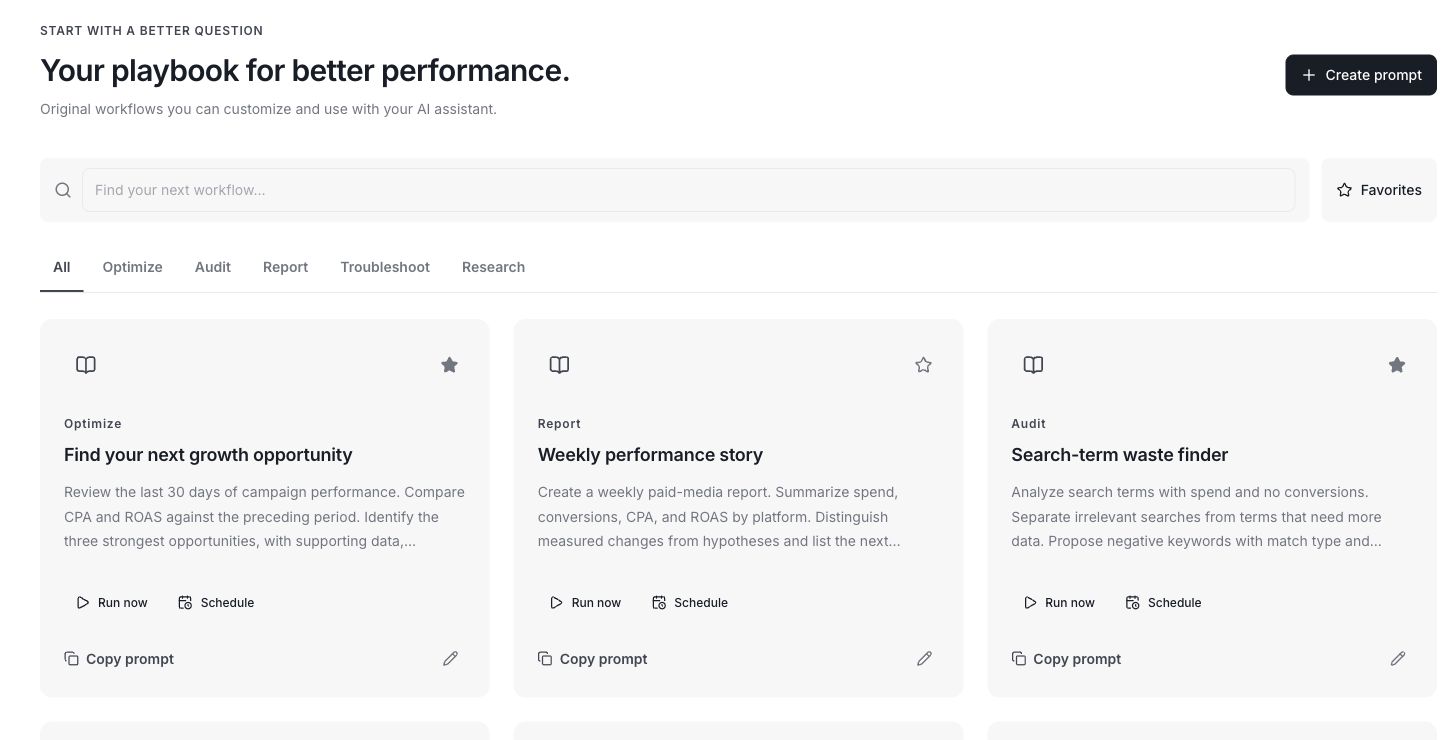
Turn a good question into a reusable prompt.
Customize your library, run a prompt once, or send it to the scheduler.