Turn a good question into a reusable prompt.
Customize your library, run a prompt once, or send it to the scheduler.
 Adsfast guidesUpdated November 26, 2026
Your prompt library is a collection of repeatable questions. Start with a template, adapt it to the data you actually have, and keep the versions that help you make decisions.
Set up an AI provider before running a prompt inside Adsfast. You can still read, edit, and copy prompts without making an AI request.
1Find or create a prompt
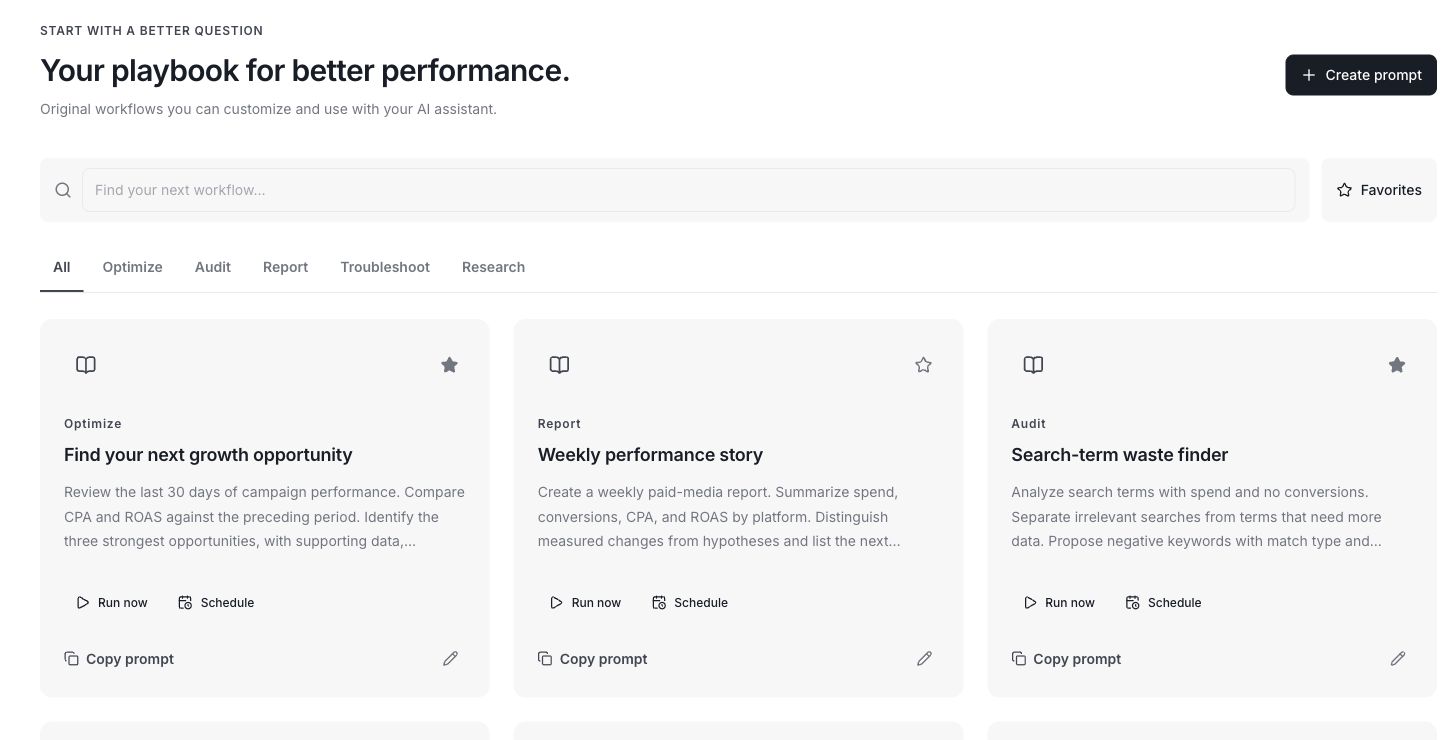
Open Prompts. Use search, categories, or favorites to narrow the library. Open a prompt to read its complete instructions before using it.
Create a prompt for a question you ask repeatedly. State the goal, the evidence you expect, and the format that would help you act on the answer.
2Run it once or copy it
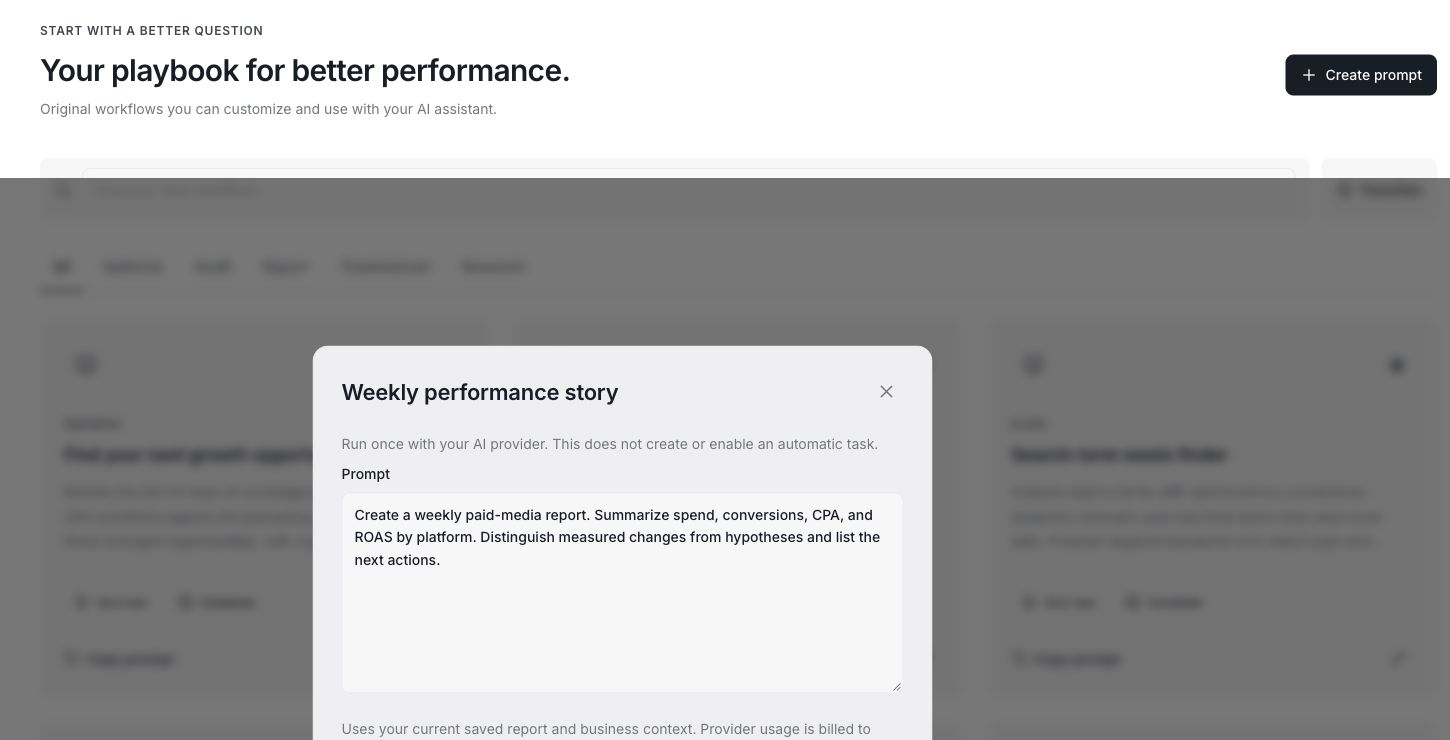
Use Run now for an editable quick-run dialog. Review the text and select Run prompt to request a one-time analysis with your configured provider. A quick run does not enable a recurring schedule. Review the result and any missing-data notes before making decisions.
Use Copy when you want to take the text to another AI tool. Copying text alone does not give that tool access to your Adsfast accounts or reports.
3Move a useful prompt to a schedule
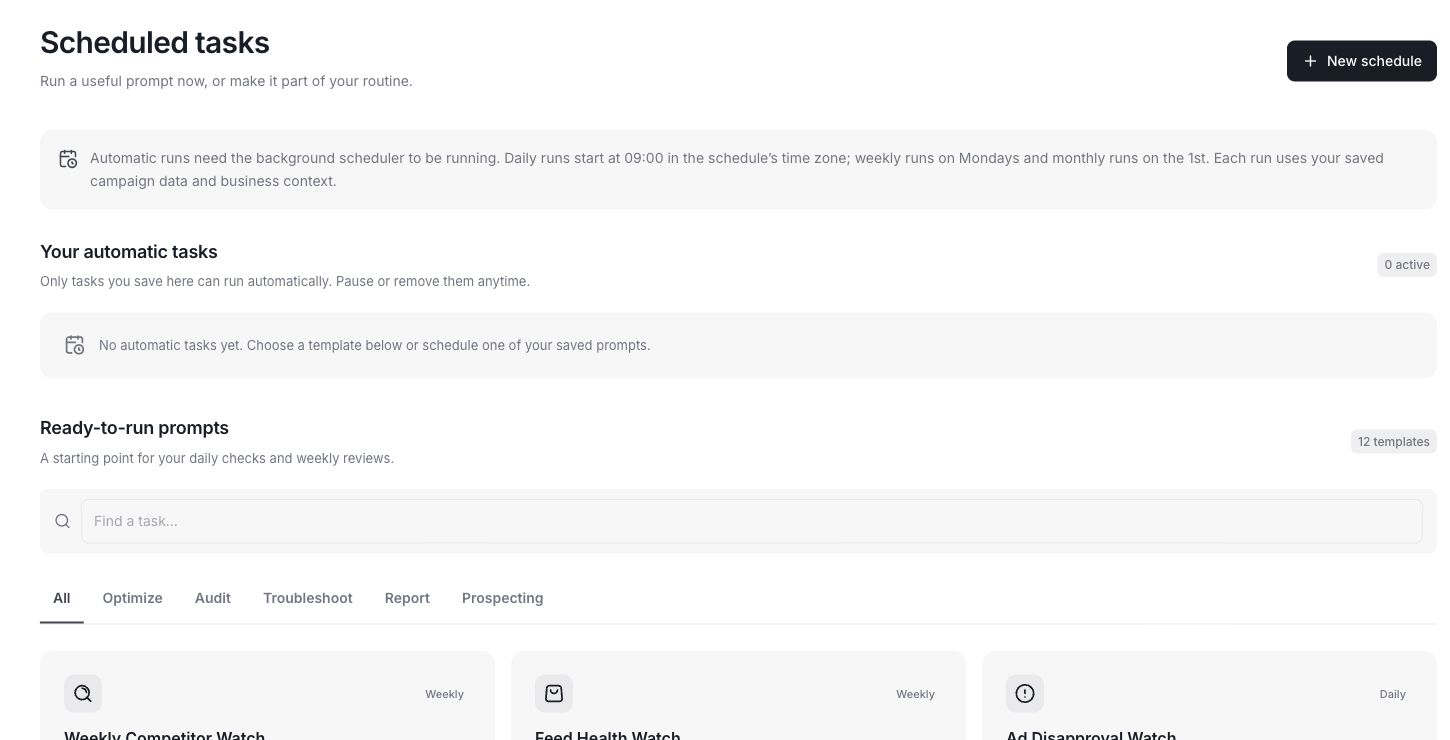
Choose Schedule to open a prefilled editor. Review the prompt, frequency, and time zone, then save deliberately. You can change the text for recurring use without losing the original library prompt.
A recurring prompt should work without an interactive interview. Include your known goals and tell it to report missing evidence instead of inventing an answer.
Ready for your own workspace?
Run once when exploring. Schedule only the questions that are useful to repeat.
Try it in AdsfastKeep exploring



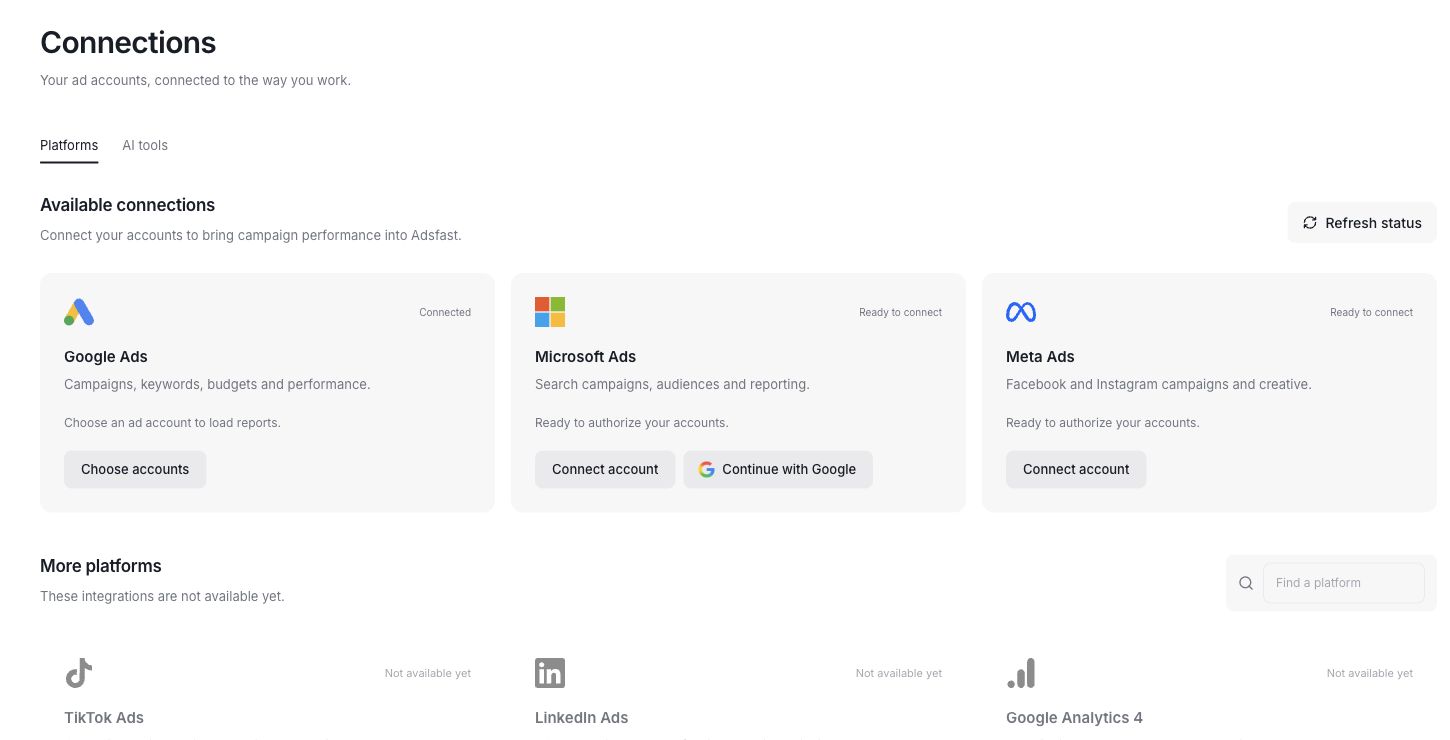
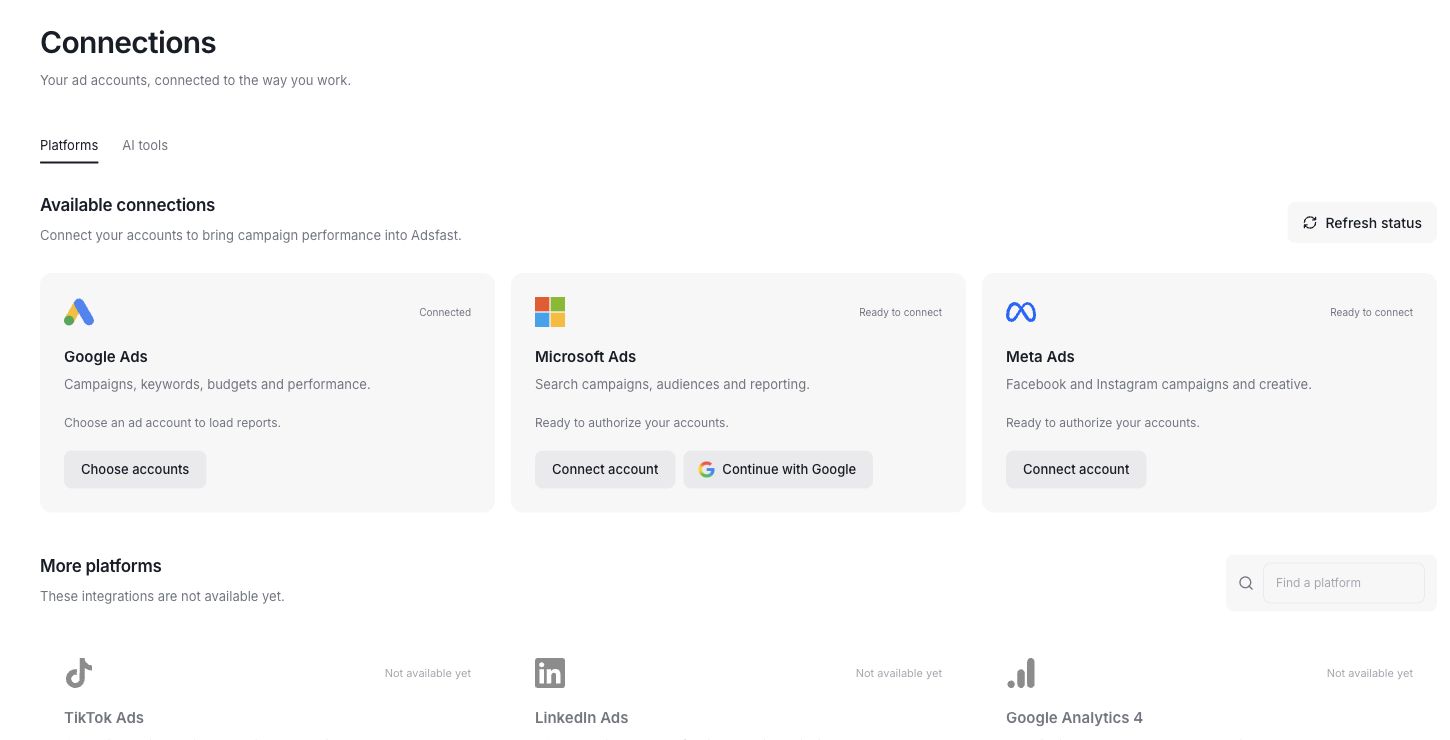
Connect your accounts. Choose your data.
Authorize a platform, select accounts yourself, and bring a report into your dashboard.

Use the right sign-in for Microsoft Ads.
Resolve an identity mismatch when your Microsoft Advertising account uses Google.


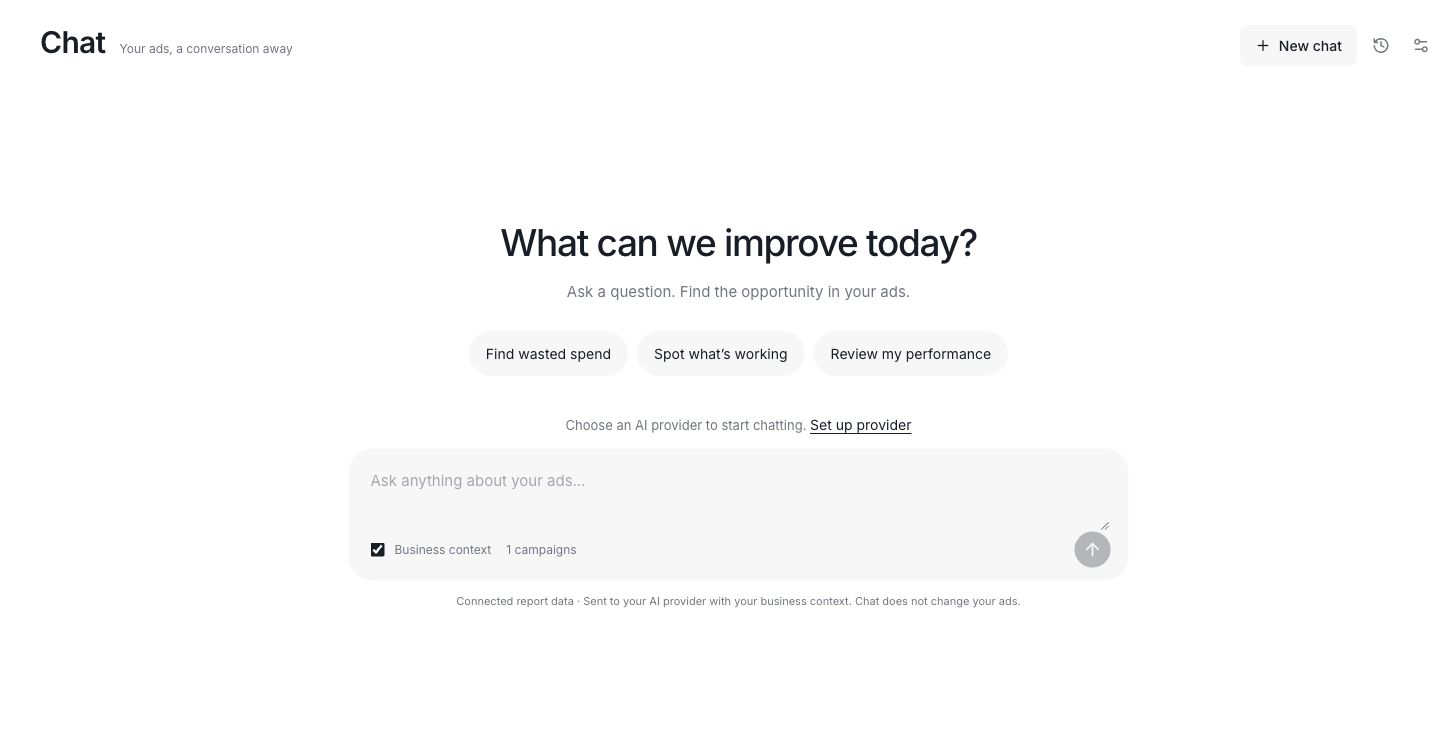
Your first conversation about your ads.
Choose an AI provider, add your own API key, and ask a focused question about your campaign data.