Connect your accounts. Choose your data.
Authorize a platform, select accounts yourself, and bring a report into your dashboard.
 Adsfast guidesUpdated November 26, 2026
An authorized connection and a selected ad account are separate steps. Adsfast keeps that choice with you: connecting a platform never silently selects all of its accounts.
Use a platform login that can access the advertising accounts you want to review. A platform marked Setup required needs configuration by your workspace operator first.
1Authorize your platform
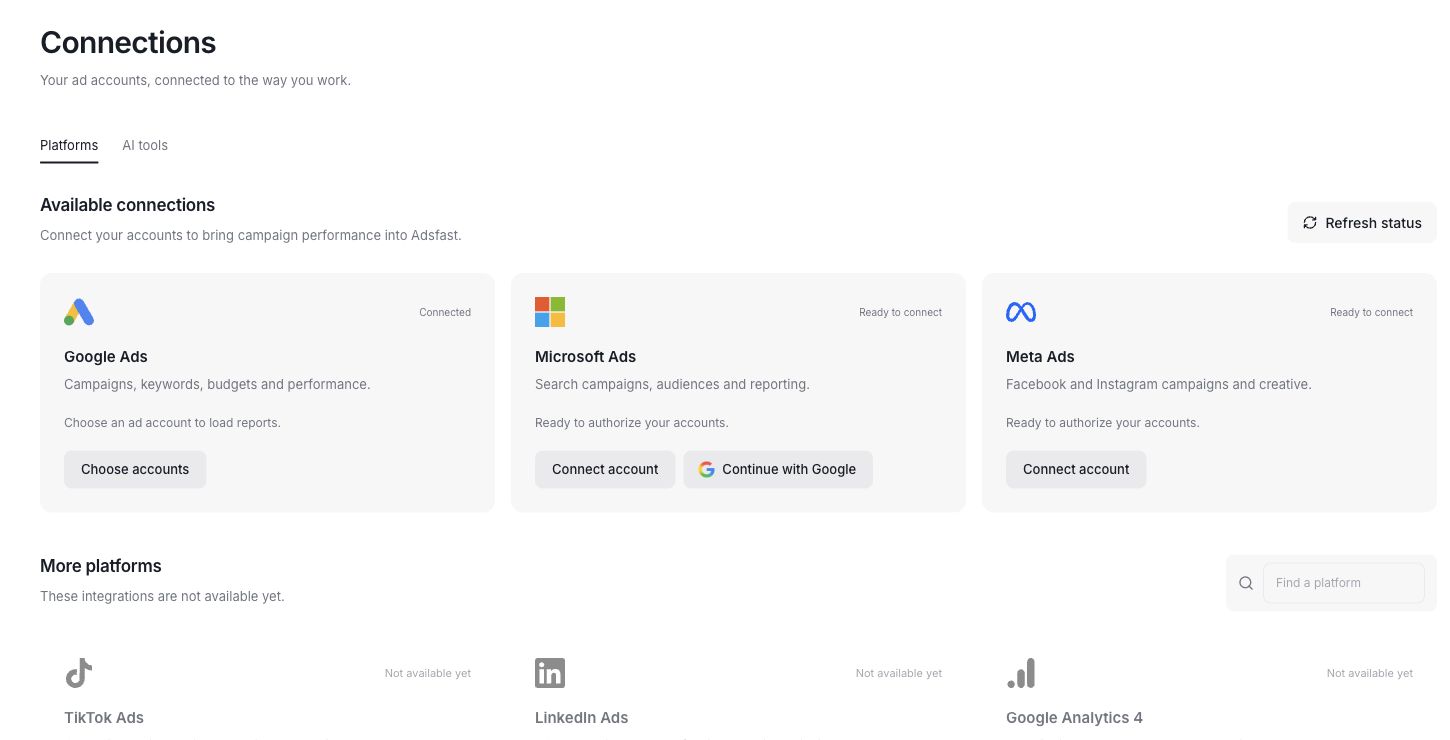
Open Connections and choose Connect account on Google Ads, Microsoft Ads, or Meta Ads. Complete the provider’s sign-in and consent screen. Adsfast returns you to Connections when authorization succeeds.
Provider access requirements still apply. Google test audiences and Meta development or review restrictions can limit who may connect.
2Choose the accounts you want to use
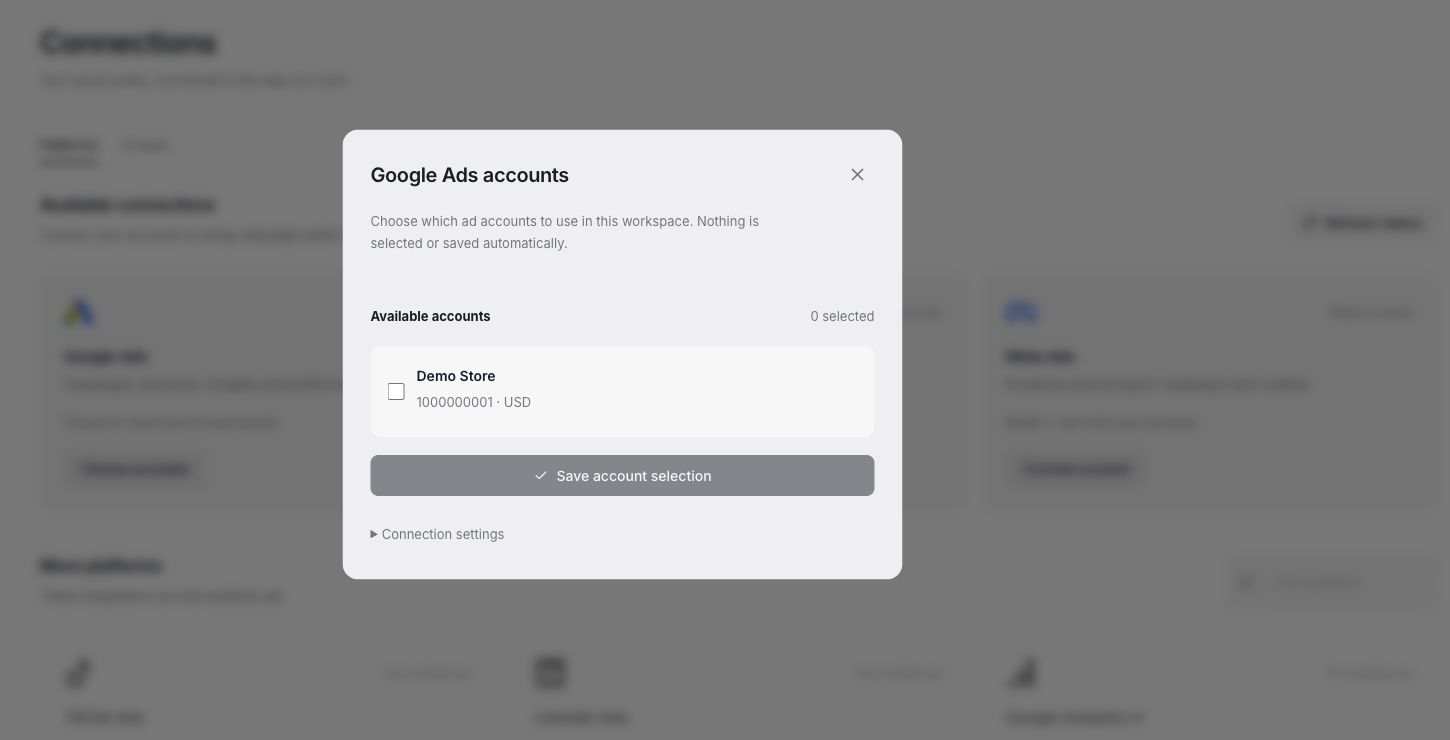
The account picker opens after connection. Check only the accounts you want included in this workspace, then select Save account selection. You can close the modal without saving.
Choose accounts or Manage accounts opens the picker again. Account selection limits report queries; it does not change campaigns or budgets.
3Sync, review, and use the report
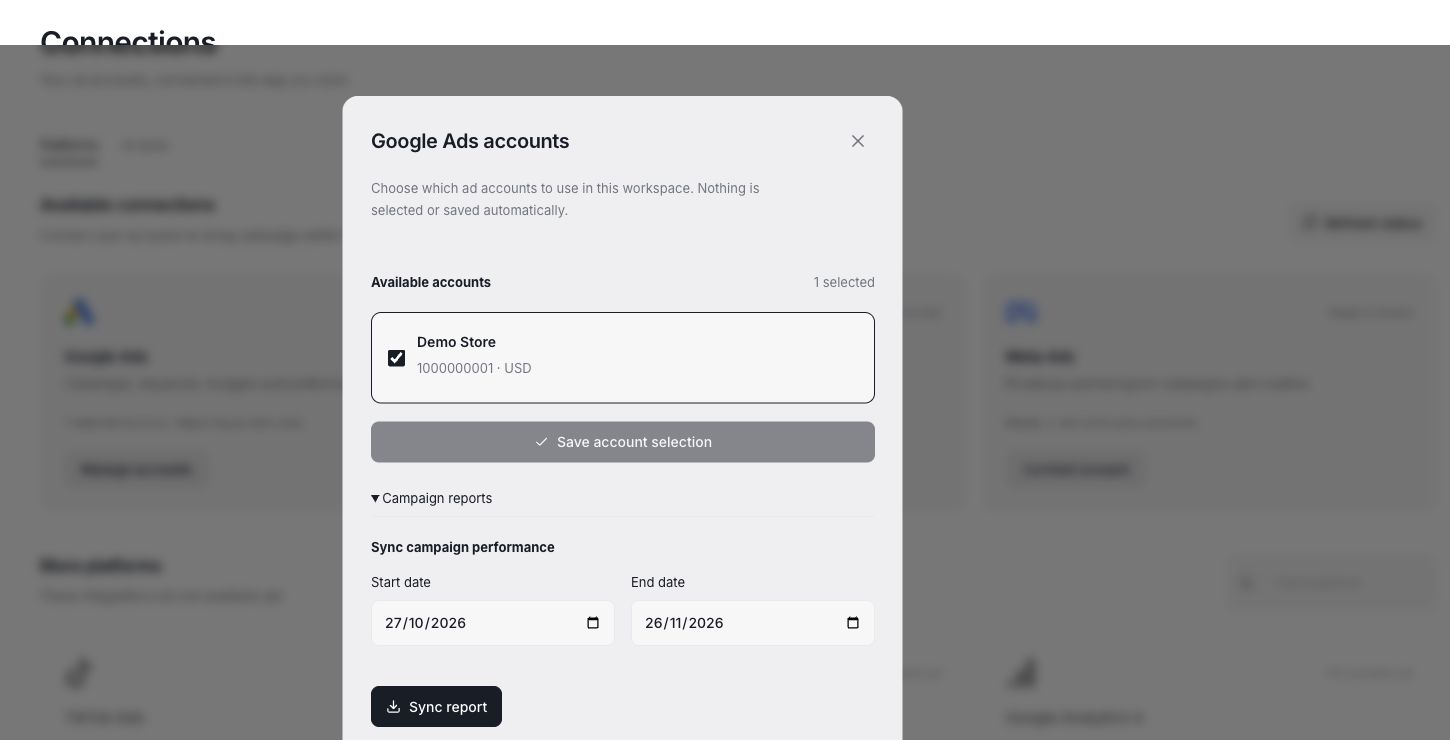
Open the reporting section, set the start and end dates, and select Sync report. Check the returned date range, currency, and campaign count.
Choose Use in dashboard when the report is the one you want to analyze. This imports a snapshot. Sync again when you need newer data. Reports with different currencies are not combined into a misleading total.
Ready for your own workspace?
Your platform remains connected, while you control account selection and when a report becomes your dashboard’s data.
Try it in AdsfastKeep exploring


Use the right sign-in for Microsoft Ads.
Resolve an identity mismatch when your Microsoft Advertising account uses Google.


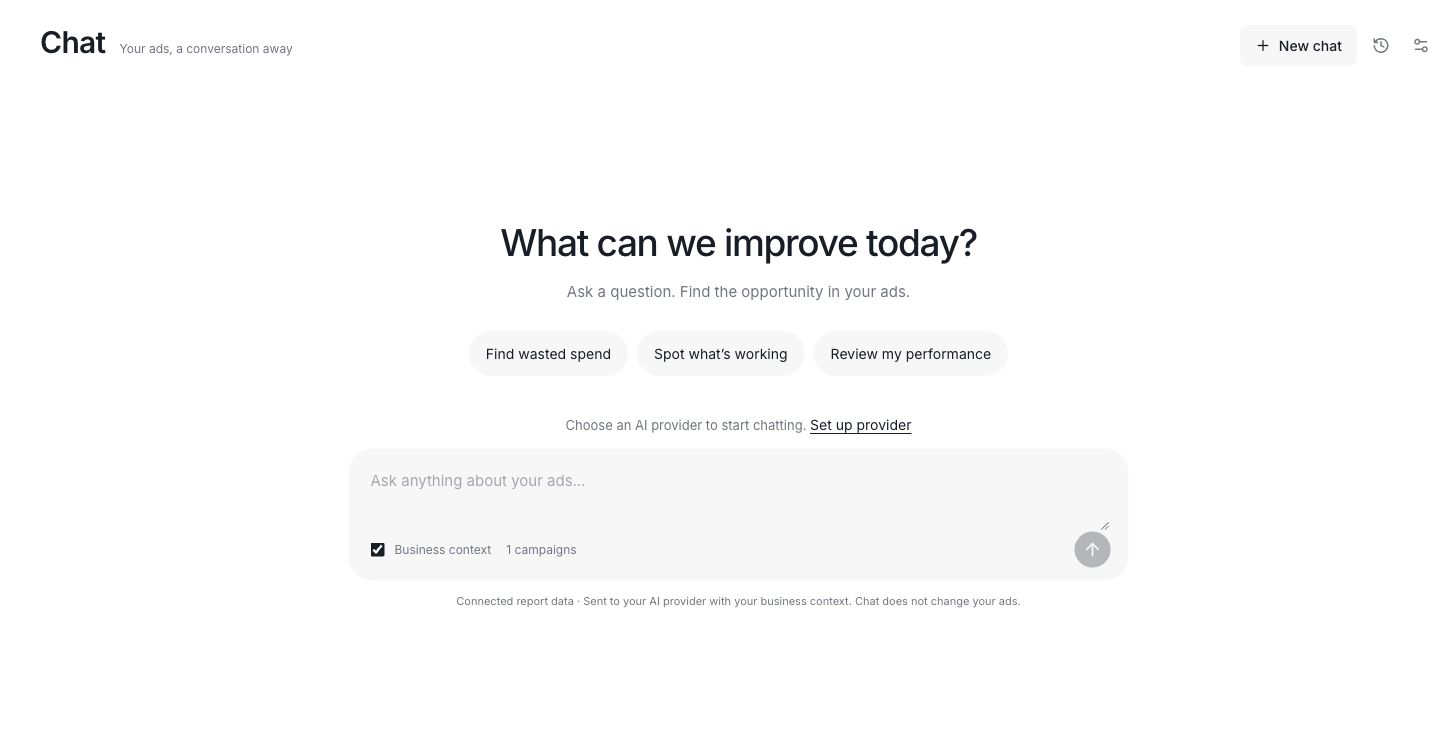
Your first conversation about your ads.
Choose an AI provider, add your own API key, and ask a focused question about your campaign data.
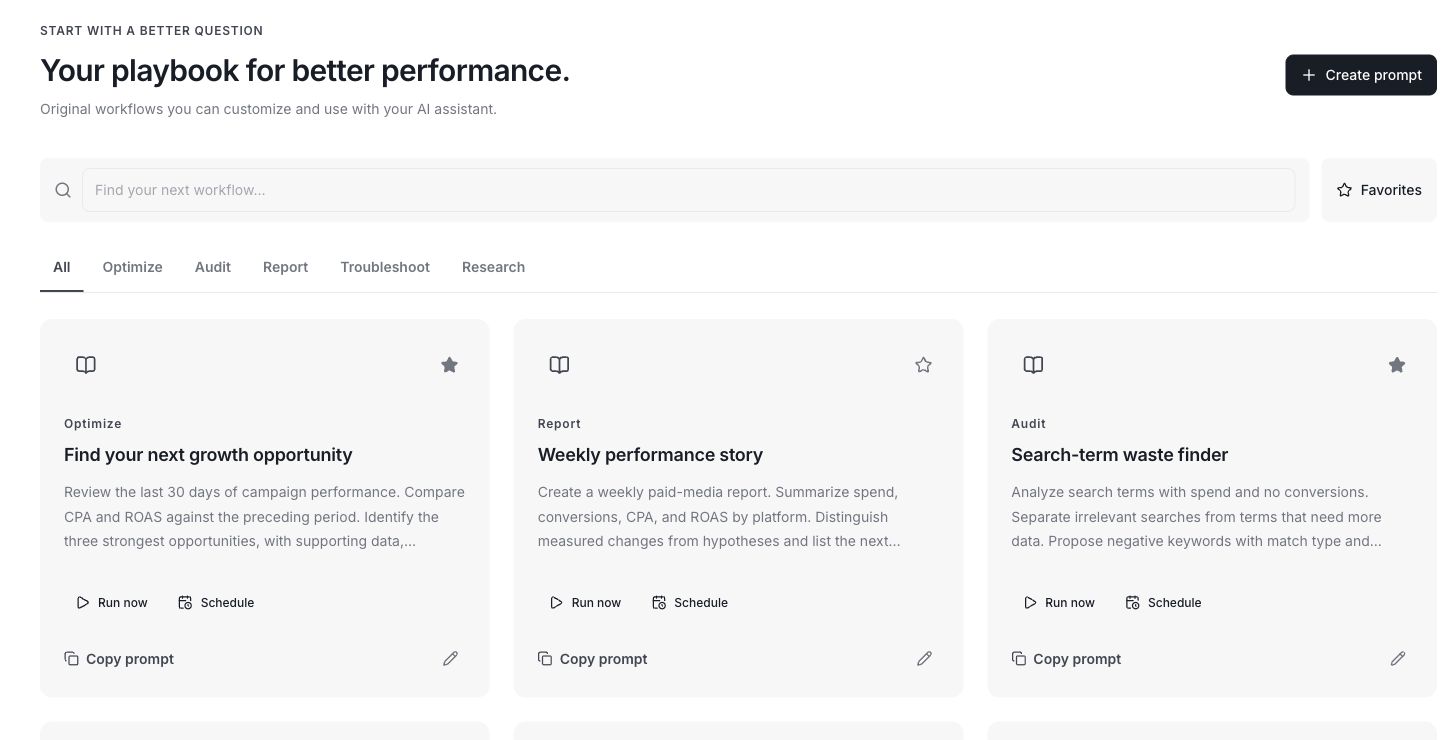
Turn a good question into a reusable prompt.
Customize your library, run a prompt once, or send it to the scheduler.