Bring a campaign report into Adsfast.
Import a CSV, check the reporting currency, and explore your campaign totals.
 Adsfast guidesUpdated November 26, 2026
CSV import is useful when you already have a campaign export or want to explore a report before connecting an advertising platform. Adsfast calculates totals from the rows you provide.
Use one reporting period and one currency per report. Required columns are campaign, platform, spend, clicks, impressions, conversions, and revenue.
1Use the CSV template
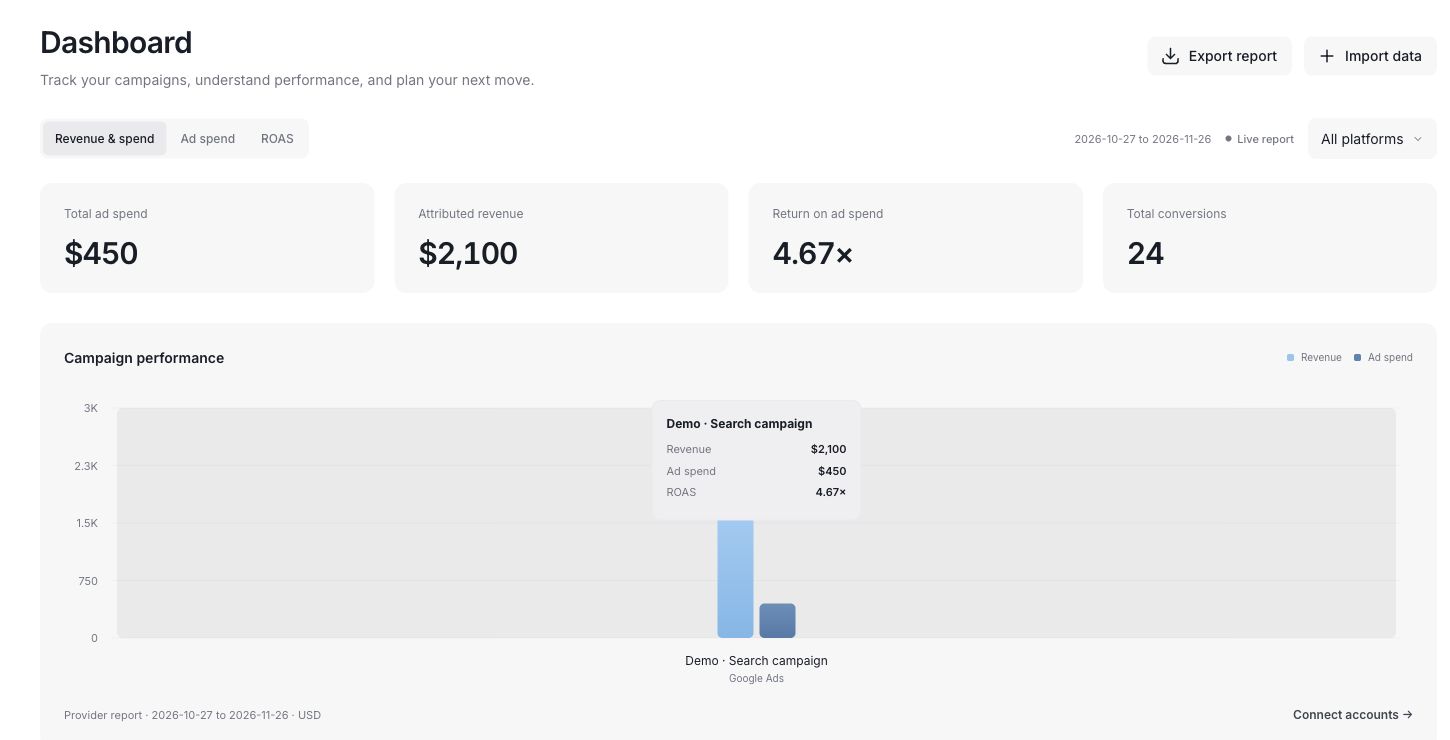
Open Overview and choose Download CSV template. Match those column names in your export. Keep numeric values numeric and campaign names readable.
Do not include customer names, lead details, API keys, or unrelated columns. The dashboard needs aggregate campaign metrics, not personal customer records.
2Import and check the rows
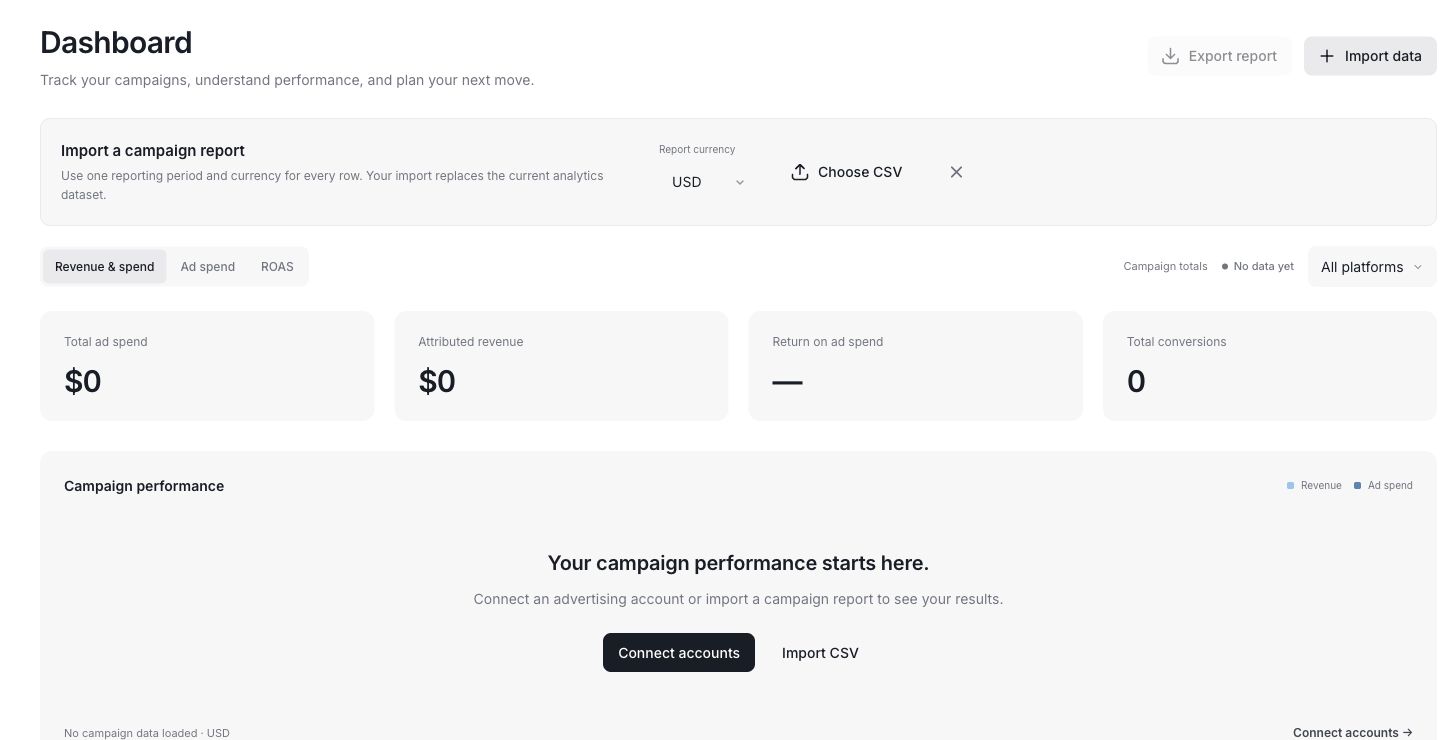
Choose Import data or Import CSV and provide your prepared file. Review validation messages instead of replacing missing values with invented numbers.
Blank, malformed, or negative metrics are rejected. Zero is valid when it is the real value. A zero-spend row does not have a meaningful ROAS, so the dashboard shows it as unavailable.
3Review the resulting snapshot
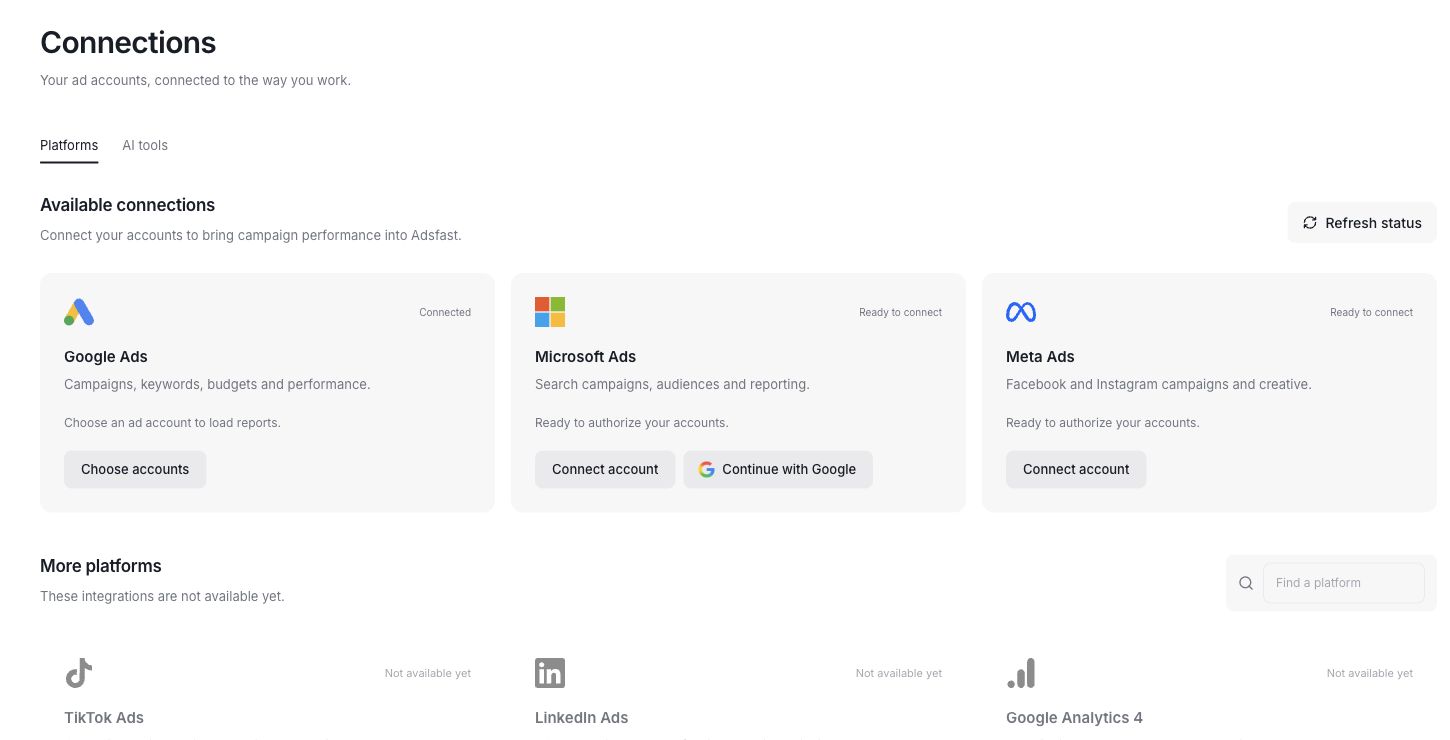
Check the campaign count, total spend, conversions, revenue, and currency. Use the search and platform filter to inspect the campaigns you care about.
The imported data is a snapshot. A new CSV or connected report replaces the working dataset; importing does not create or edit an ad campaign.
Ready for your own workspace?
A small, consistent export is more useful than a large report with mixed dates, currencies, or unsupported fields.
Try it in AdsfastKeep exploring



Connect your accounts. Choose your data.
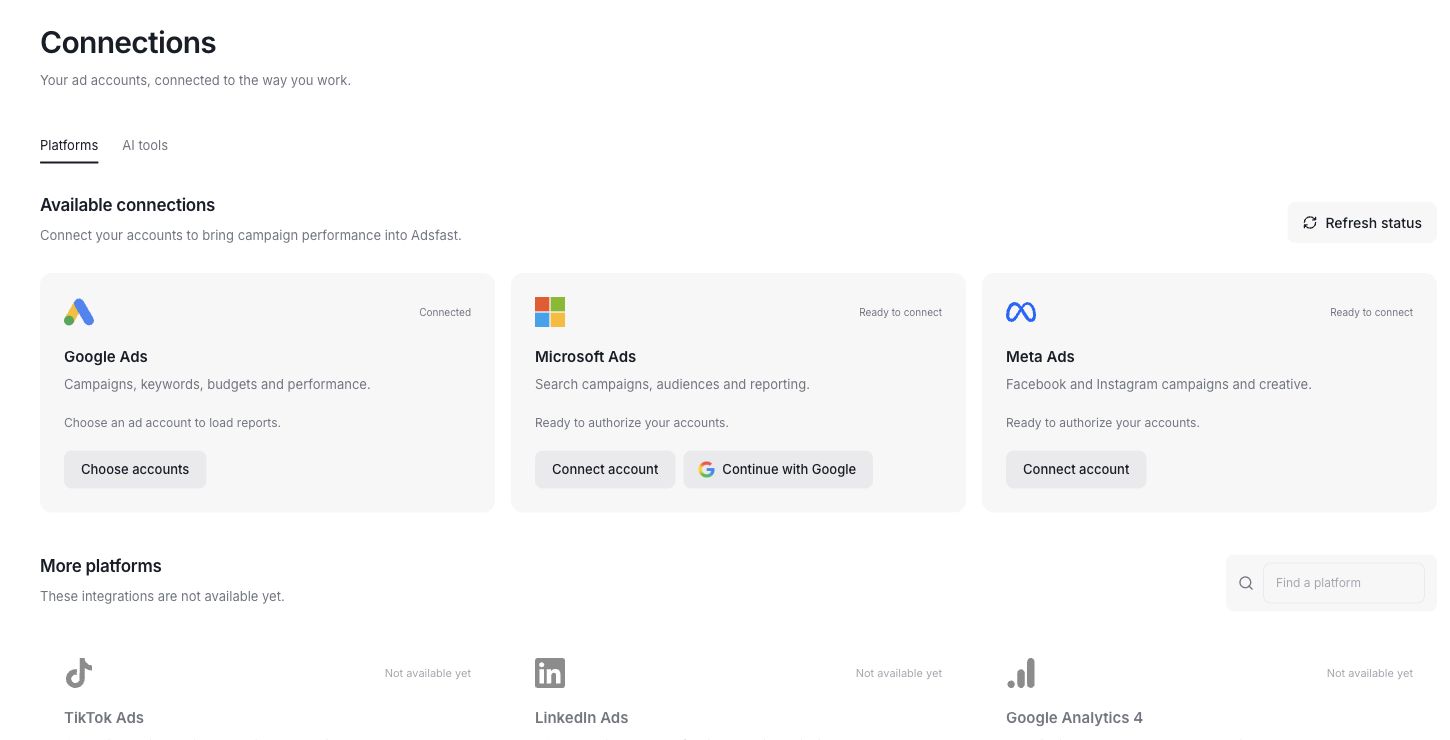
Authorize a platform, select accounts yourself, and bring a report into your dashboard.

Use the right sign-in for Microsoft Ads.
Resolve an identity mismatch when your Microsoft Advertising account uses Google.


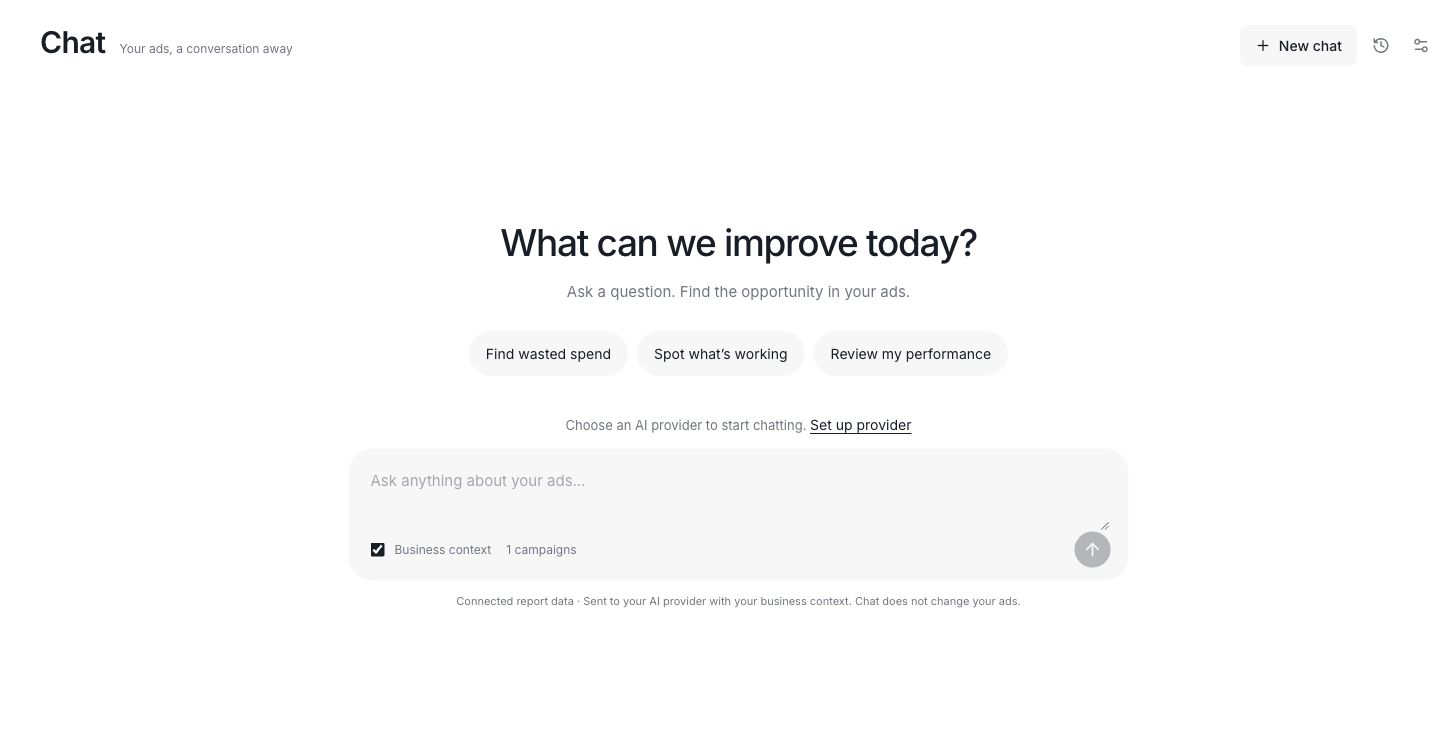
Your first conversation about your ads.
Choose an AI provider, add your own API key, and ask a focused question about your campaign data.